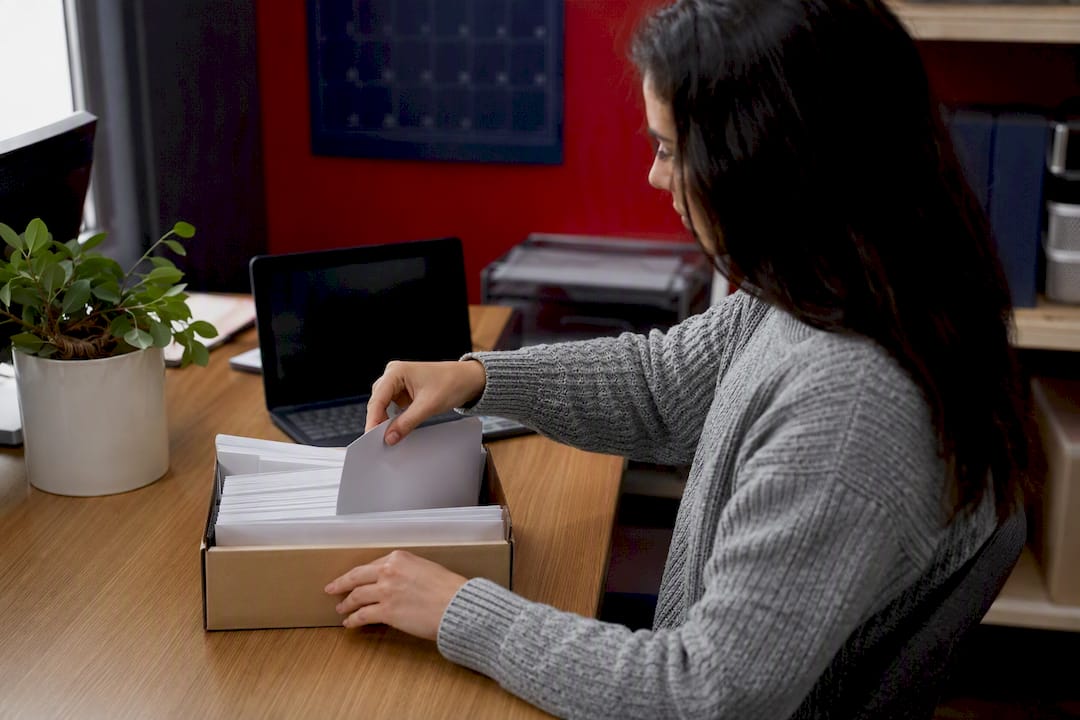
Yes, you can print and mail 1099s yourself, but only if the copies you send meet strict IRS formatting rules, and only for the forms and volumes where paper filing is still allowed. Miss the January 31 recipient deadline or submit a Copy A that fails IRS optical scanning, and you’re looking at penalties that dwarf whatever you saved on printer paper.
For most small and mid-size businesses, the safer move is routing print-and-mail through an IRS-authorized vendor. That single decision removes the two biggest failure points: OCR-noncompliant printing and missed postmark deadlines.
- Recipient copies are due January 31, regardless of whether you file on paper or electronically.
- Businesses filing 10 or more returns must file electronically through IRIS, which requires a Transmitter Control Code.
- Paper filers face a different, earlier deadline than e-filers, so know which lane you’re in before you print anything.
Key Takeaways
Printing and mailing 1099s in-house is legal but demands exact IRS formatting compliance, while an IRS-authorized vendor reduces both error risk and staff time during filing season.
| Point | Details |
|---|---|
| Know your deadlines | Recipient copies are due January 31; e-filers face a March 31 deadline while paper filers file earlier. |
| Copy A has strict rules | Only Pub. 1179-compliant substitute forms qualify for IRS filing; downloaded PDFs often don’t. |
| E-filing is mandatory past 10 forms | Businesses filing 10 or more returns must use IRIS, which requires a TCC that can take up to 45 days to approve. |
| Retain records for years | Keep copies or reconstruction ability for three years, four for backup withholding cases. |
| Vendor route lowers risk | Tax Form Hero’s print-and-mail add-on combines SOC 2 ready printing facility, TIN verification, and per-form pricing starting at $1.99. |
Where to verify these rules directly with the IRS
- General Instructions for Certain Information Returns covers deadlines, retention, and mailing packaging rules in full detail.
- Publication 1179 lays out exact substitute form specifications for anyone printing Copy A privately.
- Publication 5718 explains TCC assignment and A2A transmission requirements for IRIS filers.
- E-file information returns with IRIS confirms which forms IRIS supports and outlines transmitter versus issuer roles.
- Publication 1099 details flat mailer requirements, package numbering, and Form 1096 placement.
Check IRIS and TCC guidance early in the season. Application delays are the single most common reason businesses miss their e-file window.
This article is general information, not a substitute for advice from a qualified financial advisor. Consult a qualified financial professional about your own circumstances before acting on anything here.
Filing one yourself? You can e-file Form W-2G online with TaxFormHero, an IRS-authorized e-filing platform.
Can You Print and Mail 1099 Forms Yourself?
Technically yes, with real conditions attached. The IRS scans paper Copy A submissions with optical character recognition, and a form printed straight from a downloaded PDF frequently fails that scan. Run through this checklist before you touch a printer or hand data to a vendor.
- Confirm your recipient copies go out by January 31, no exceptions for weekends unless the IRS shifts the date that year.
- Check whether you’re filing 10 or more returns across all form types combined. If so, e-filing through IRIS is mandatory, not optional.
- Verify every substitute Copy A form conforms to the layout and ink specifications in Publication 1179 before printing a single sheet.
- Double-check TINs and account numbers against your records. A mismatched TIN is one of the most common reasons the IRS rejects or flags a return.
- Use black ink, the correct font, and standard 8.5x11 paper. Never separate two-to-a-page forms before mailing, since the IRS OCR expects the full sheet layout.
Skip any one of these and you risk a rejected filing well after your mailing window has closed.
How In-House Printing Compares to a Print-and-Mail Vendor
Doing it yourself means exporting your data, checking TINs, formatting each form to IRS specification, printing on compliant stock, checking envelope alignment by hand, and mailing under a postmark deadline. Every step is a place where a small error becomes a big one. Misaligned windows alone cause a surprising share of returned or misdelivered recipient copies.
A vendor workflow looks different: you upload your data, the vendor runs TIN verification and masks sensitive digits where appropriate, then handles certified printing, stuffing, and postmark-tracked mailing on your behalf.
| Factor | In-house printing and mailing | Vendor print-and-mail service |
|---|---|---|
| Setup cost | Printer, OCR-compliant forms, envelopes, postage | Per-form fee, no equipment needed |
| Error risk | High if fonts, layout, or TINs are off | Lower, since verification is automated |
| Staff time | Hours per batch during peak season | Minutes to upload and approve |
| Compliance exposure | Falls entirely on your business | Shared with an IRS-authorized platform |
Pro Tip: Use double-window envelopes sized specifically for 1099 forms, and turn off “fit to page” in your print settings. That one setting is responsible for more crooked windows than any envelope defect.
What Does the IRS Require for Printed 1099 Copies?
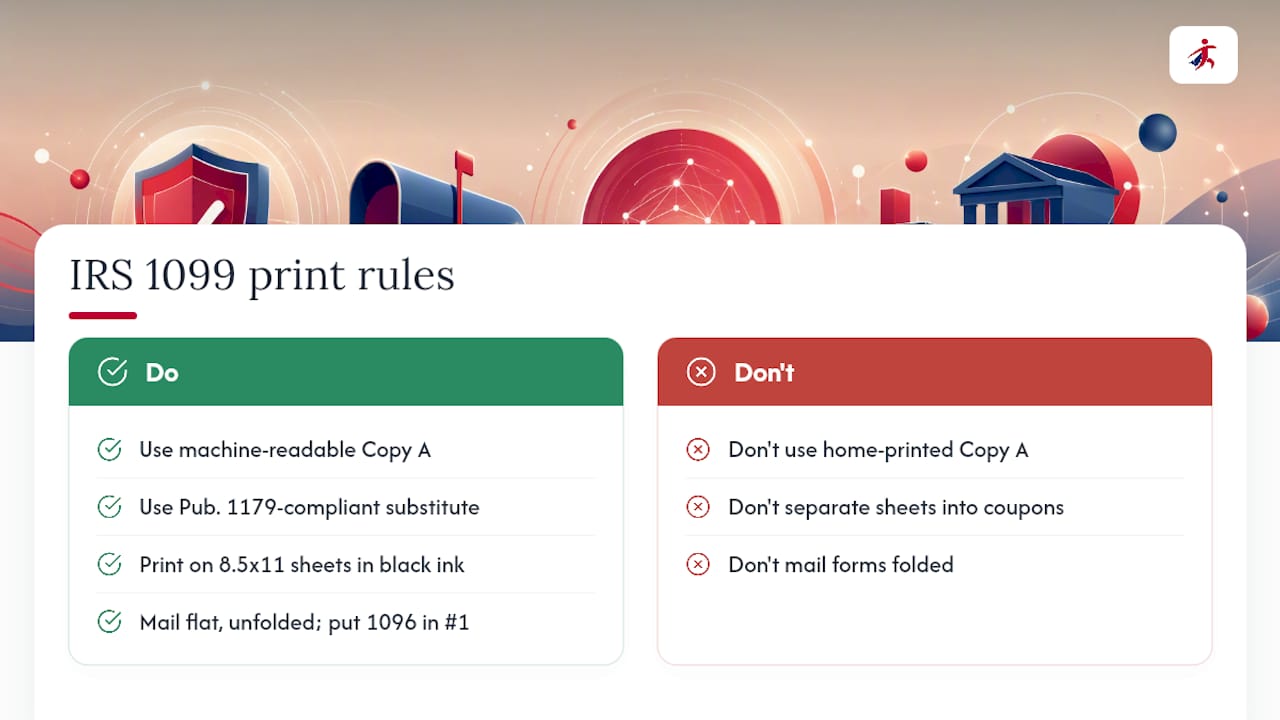
The IRS treats Copy A differently from every other copy on the form. Copy A is the version filed with the IRS itself, and it must be machine-readable. A form pulled from the IRS website and printed at home is explicitly not acceptable for that copy unless it’s a genuine, Pub. 1179-compliant substitute. Recipient copies (B, C, and others) have more flexibility since they’re for the payee’s records, not IRS scanning.
Layout matters as much as content. Forms must sit on standard 8.5x11 sheets, printed in black ink with the specified font, and never separated into individual coupons before mailing (Form W-2G is the lone exception). The IRS built its scanning process around the full-page layout, and cutting sheets apart defeats that system entirely.
Mailing has its own rulebook. Forms mailed to the IRS go in a flat mailer, never folded. Packages get numbered, and Form 1096 goes inside package number one. First-Class Mail or an IRS-designated private delivery service satisfies the postmark requirement, meaning your filing counts as timely if it’s postmarked by the due date, even if the IRS receives it days later.
Keep copies or the ability to reconstruct your filings for at least three years, four for certain backup withholding situations. That record becomes essential if the IRS ever questions a filing months after the fact.
What Is IRIS and When Do You Need a TCC?
If you’re filing 10 or more returns across all information return types combined, paper filing isn’t an option. You need to e-file through the Information Returns Intake System (IRIS), the IRS portal built specifically for 1099s and related forms.
Getting there requires a Transmitter Control Code, a five-character identifier assigned after the IRS approves your application. That approval process can take up to 45 calendar days, which means waiting until February to apply is a real risk to your March 31 e-file deadline.
- Apply for your TCC as early in the filing season as possible, ideally in the fourth quarter of the prior year.
- If you’re using system-to-system (A2A) transmission, test your CSV or XML upload format before the season gets busy, per IRIS working group guidance.
- If your TCC application stalls or you miss the e-file window, paper filing rules and deadlines still apply. Know your fallback before you need it.
When Does Outsourcing Print-and-Mail Make More Sense?
Outsourcing tends to win once volume, staff time, or equipment gaps make DIY printing riskier than it’s worth. A handful of scenarios make the case clearly.
- You’re filing enough forms that a single OCR misprint or envelope jam turns into hours of rework.
- You don’t have a TCC yet, and the 45-day approval window doesn’t fit your remaining runway.
- Your office lacks OCR-compliant printers, forms, or the specific black-ink toner the IRS specification demands.
- Filing season overlaps with other year-end payroll deadlines, and staff time is already stretched thin.
Run the math before deciding. Add up per-form printing costs, envelopes, postage, and the labor hours your team spends checking alignment and mailing packages. Then weigh that against a vendor’s per-form fee. Factor in the cost of a penalty or a reprint if something goes wrong. That hidden risk cost often tips the decision more than the sticker price does.
How Does TaxFormHero’s Print-and-Mail Add-On Work?
Businesses that choose the vendor route through Tax Form Hero follow a straightforward sequence from upload to delivery.
- Upload your recipient data or import it in bulk through the dashboard.
- Select the print-and-mail add-on alongside your e-filing order.
- Choose TIN masking or truncation options for recipient copies, plus your envelope preference.
- Review and approve a proof before anything goes to print.
- Tax Form Hero handles printing, stuffing, postage, and tracking, then confirms delivery status back to you.
Every form processed through the platform runs on 256-bit encrypted data storage, backed by SOC 2 certification and built-in TIN verification. That combination matters most in the weeks around January 31, when a single data exposure or mismatched TIN can turn into a compliance headache that outlasts filing season itself.
You get tracking on mailed packages and a final confirmation once delivery completes, so you’re not left guessing whether recipient copies actually arrived.
How Long Should You Keep 1099 Records and What If You Made a Mistake?
Hold onto copies of every information return, or maintain the ability to reconstruct them, for at least three years. Extend that to four years for Form 1099-C and situations involving backup withholding.
- If you catch an error after mailing, file a corrected return following the same paper or e-file path as the original submission.
- Act quickly. Corrected returns filed close to the original deadline draw less scrutiny than ones filed months later.
- If you’re filing late, document your mailing postmark or use a private delivery service that provides proof of timely mailing.
- Weigh correction costs when deciding whether to outsource next season. Reprint and remail fees add up fast if errors are recurring.
Why payroll pros lean toward outsourcing print and mail
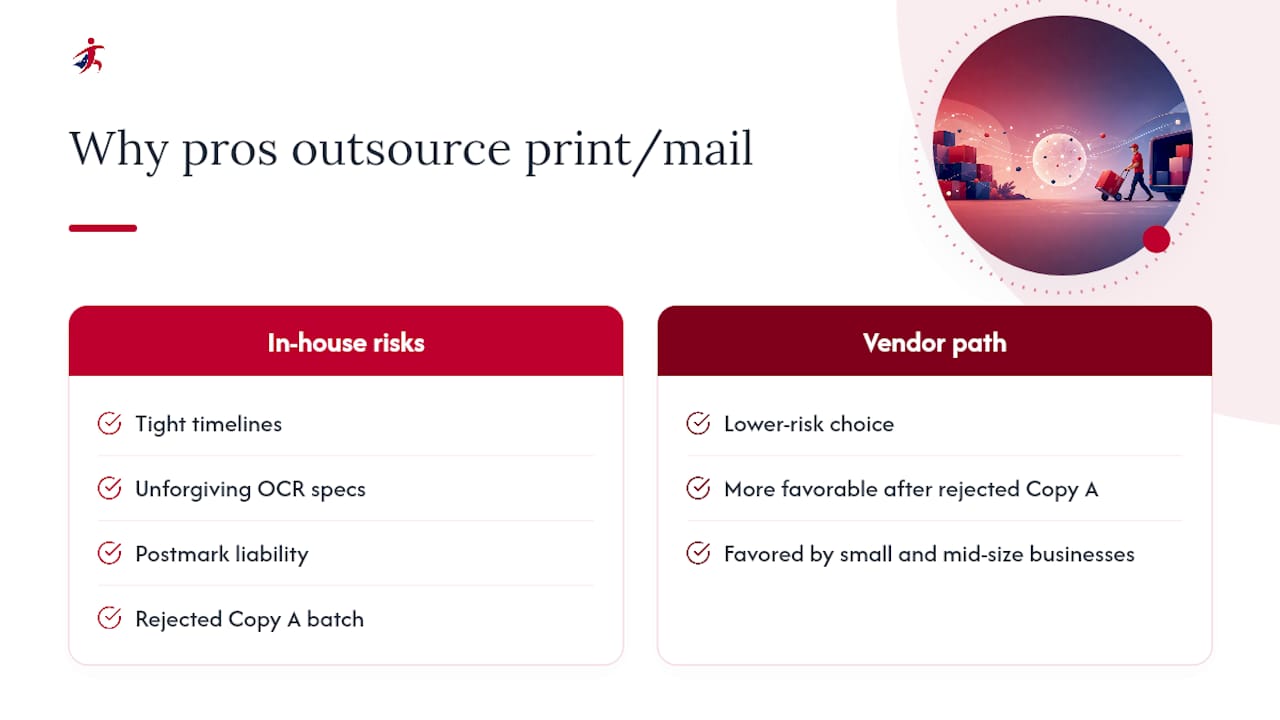
Every filing season brings the same pressure points: tight timelines, unforgiving OCR specs, and the quiet liability of a postmark that doesn’t hold up under scrutiny. Once you’ve dealt with one rejected Copy A batch, the math on outsourcing starts looking a lot more favorable. For most small and mid-size businesses, a vendor path is simply the lower-risk choice during filing season.
A Lower-Risk Way to Handle Your 1099 Print and Mail Work
Tax Form Hero removes the two riskiest parts of paper filing: OCR-noncompliant printing and missed postmark windows. Instead of buying compliant forms, calibrating printer settings, and tracking mail yourself, you upload your data once and let an IRS-authorized platform handle formatting, TIN verification, and certified mailing.

The platform runs on SOC 2 certification and 256-bit encrypted storage, with per-form pricing starting at $1.99 and no signup fees or subscriptions attached. TIN matching catches mismatches before they become IRS rejections, and the print-and-mail add-on covers formatting, envelope stuffing, and postage in one order.
Before you start, have your recipient list, TINs, and any state filing requirements ready. Turnaround expectations and exact add-on fees are listed at checkout, so there’s no guessing about total cost. Visit Tax Form Hero to upload your data and get your 1099s printed, mailed, and tracked before the January 31 deadline.
Sources
- General Instructions for Certain Information Returns (2025) | Internal Revenue Service
- Specifications for Substitute Forms (Publication 1179) | Internal Revenue Service
- Information Returns Intake System (IRIS) A2A specifications and TCC guidance (Publication 5718) | Internal Revenue Service
- E-file information returns with IRIS | Internal Revenue Service
- Publication 1099 (Instructions and mailing guidance) | Internal Revenue Service
Recommended

File Information Returns With Confidence
TaxFormHero supports 20+ IRS information returns, including 1099 and W-2 forms, with bulk Excel import, name/TIN matching and encrypted recipient delivery.
Explore TaxFormHero