IRS Deadline: February 1, 2027

Yes, you can e-file Form 1099-S electronically through three IRS-approved channels. Form 1099-S reports proceeds from the sale or exchange of real estate, and the IRS accepts electronic submissions through its IRIS portal, the FIRE system, or an IRS-authorized third-party transmitter like TaxFormHero. Choosing the right channel depends on your filing volume, technical setup, and how much lead time you have to obtain a Transmitter Control Code (TCC).
The three primary 1099-S e-file channels:
- IRIS (Information Returns Intake System): A web-based portal suited for small batches and filers who prefer a browser interface without specialized software. Requires an IRIS TCC and an EIN.
- FIRE (Filing Information Returns Electronically): Designed for bulk submissions formatted to Publication 1220 specs. Requires a FIRE TCC, an EIN, and software that outputs the correct flat-file format.
- IRS-authorized third-party transmitter: Services like TaxFormHero handle TCC authorization, formatting, and transmission on your behalf. Best for filers who want to skip the TCC application and format requirements entirely.
Key approvals to have in place:
- An EIN is required for both IRIS and FIRE TCC applications.
- Per IRS e-file rules, filers who submit 10 or more information returns in a calendar year (aggregated across covered form types) must e-file.
Key Takeaways
E-filing Form 1099-S is mandatory when you file 10 or more information returns in a calendar year, and the fastest compliant path for most closing agents is an IRS-authorized transmitter that handles TCC authorization and formatting on your behalf.
| Point | Details |
|---|---|
| E-file threshold | Filing 10 or more information returns in a calendar year requires e-filing, aggregated across all covered form types. |
| TCC lead time | Apply for your IRIS or FIRE TCC at least 45 days before your filing deadline; late applications are the most common cause of missed deadlines. |
| Data quality first | TIN mismatches and inconsistent settlement data cause more rejections than format errors; run TIN verification before transmitting. |
| 2026 digital-asset rule | Transactions where digital assets serve as consideration now require gross proceeds reporting on Form 1099-S with applicable valuation. |
| TaxFormHero option | TaxFormHero is an IRS-authorized, SOC 2-certified transmitter with pay-per-form pricing from $1.99, bulk import, and built-in TIN verification. |
Filing one yourself? You can e-file Form W-2 online with TaxFormHero, an IRS-authorized e-filing platform.
Are you required or eligible to e-file Form 1099-S?
Before selecting a channel, confirm whether e-filing is mandatory for your situation.
Eligibility and requirement checklist:
- 10-return threshold: Count all information returns you file in the calendar year across covered types (1099-NEC, 1099-MISC, W-2, and others). If the total reaches 10 or more, e-filing is required, not optional.
- Responsible filer: The person responsible for closing the real estate transaction is generally required to file. If that is unclear, the Form 1099-S instructions provide a priority order and allow a written designation agreement executed at or before closing to assign responsibility to a specific party.
- EIN and TINs on hand: You need your own EIN and each transferor’s Taxpayer Identification Number (TIN) before you can submit.
- Digital records: Closing Disclosure, HUD-1, or ALTA settlement statement data must be available in a format you can enter or import.
- State filing requirements: Some states require a separate information return filing; confirm your state’s rules before assuming federal e-filing covers everything.
Pro Tip: To confirm who the responsible filer is, review the Closing Disclosure first. If responsibility is genuinely ambiguous, execute a written designation agreement at or before closing. The IRS explicitly permits this under the Form 1099-S instructions, and it prevents duplicate filings or missed returns.
IRS portal vs. authorized provider: If you file fewer than 10 returns and e-filing is voluntary, the IRIS portal is a cost-effective option. If you lack the time or technical resources to obtain a TCC and format files correctly, an authorized transmitter is the faster path to compliance.
What are the differences between IRIS, FIRE, and authorized transmitters?
Each channel has distinct technical requirements and practical trade-offs.
| Channel | Format required | TCC needed | Best use case |
|---|---|---|---|
| Web portal (IRIS) | Browser-based entry or A2A per Pub. 5717/5718 | Yes, IRIS TCC | Small batches, single filers, no special software |
| Bulk flat-file (FIRE) | Pub. 1220 formatted file | Yes, FIRE TCC | High-volume filers with compatible software |
| Authorized transmitter | Provider handles formatting | Not required from filer | Filers who want to skip TCC/format work entirely |
IRIS operates as a web portal where you can enter returns directly in a browser or submit via an Application-to-Application (A2A) connection using Pub. 5717/5718 specs. It does not require local formatting software for most filers, which makes it accessible for closing agents or title companies handling a modest number of transactions. The IRS also offers free filing through IRIS for eligible filers.
FIRE does not provide a fill-in form option. Filers must produce a Pub. 1220-formatted flat file using compatible software, then upload it to the FIRE system. FIRE runs 24/7 and handles large volumes efficiently, but the format requirement is a genuine barrier for teams without technical resources. Per the Form 1099-S PDF instructions, IRIS can accept portal submissions without special local software, while FIRE requires the formatted file structure.
Authorized third-party transmitters hold their own TCC and submit on your behalf. You provide the underlying data; the transmitter handles formatting, validation, and IRS submission. This is the practical choice when your team lacks Pub. 1220 expertise or cannot afford the time to apply for a TCC before the filing deadline.
Beginning in tax year 2026, digital assets received as consideration in real estate transactions must be reported on Form 1099-S, with valuation rules referenced in applicable regulations. Any channel you use must support these updated fields.
How to submit Form 1099-S through the IRIS portal
Prerequisites
Before you log in, confirm you have:
- A valid EIN for your organization
- An IRIS TCC (apply through the IRS IRIS TCC application; processing takes several weeks)
- Each transferor’s legal name, TIN, gross proceeds amount, closing date, and property address
- A PDF fillable Copy B ready to furnish to recipients
Submission steps
- Create or access your IRS account. Go to IRS.gov and sign in to your existing account or create one. IRIS requires identity verification through ID.me or Login.gov.
- Apply for your IRIS TCC. If you do not already have one, complete the IRIS TCC application. Each authorized user on your account must have their own IRS online account.
- Prepare your return data. Organize all required fields from the closing packet: transferor name, TIN, gross proceeds, property description, closing date, and transferor address.
- Enter returns in the IRIS web UI or upload via A2A. For small batches, use the browser-based entry form. For larger batches, use the A2A connection per Pub. 5717/5718 specs.
- Run the built-in validation. IRIS flags format errors and TIN mismatches before you transmit. Resolve all errors before proceeding.
- Transmit and confirm acceptance. Submit the batch and monitor the status. IRIS will return an acceptance or rejection notice. Save the confirmation for your records.
- Furnish Copy B to recipients. Provide the recipient copy by the applicable furnishing deadline, either as a printed PDF or via encrypted electronic delivery if the recipient consents.
Pro Tip: For small batches, prepare a simple spreadsheet with one row per transaction before you open IRIS. Mapping your fields in advance cuts data-entry time significantly and reduces the chance of a typo triggering a TIN mismatch rejection.
How to e-file Form 1099-S through FIRE for bulk submissions
Prerequisites
- A valid EIN
- A FIRE TCC (separate from IRIS; apply through the IRS FIRE TCC application)
- Software that produces a Pub. 1220-formatted flat file
- Access to the IRS FIRE system at fire.irs.gov
Bulk submission steps
- Map your closing data to Pub. 1220 fields. Each required field in the 1099-S record layout (transferor TIN, gross proceeds, property description, etc.) must align with the exact position and format Pub. 1220 specifies.
- Generate the formatted file. Use your software to produce the flat file. Confirm the record counts in the header and trailer records match the actual number of payee records.
- Submit a test file (recommended). FIRE accepts test file submissions before the production window. Use this to catch format errors without affecting your live filing.
- Upload the production file to FIRE. Log in at fire.irs.gov with your FIRE TCC credentials, select the appropriate form type, and upload the file.
- Monitor the file status. FIRE assigns a status code: Good, Bad, or Errors. A “Bad” status means the file was rejected and must be corrected and resubmitted.
- Correct and resubmit rejected files. Fix the flagged errors in your source data, regenerate the Pub. 1220 file, and upload again. Keep a log of each submission attempt.
- Retain the FIRE confirmation. Once the file status shows “Good,” download and save the confirmation details for your records.
Common FIRE pitfalls to avoid:
- Incorrect TINs or TIN/name mismatches in the payee records
- Record counts in the header or trailer that do not match the actual payee record count
- Gross proceeds formatted as a text string rather than the numeric format Pub. 1220 requires
- Missing or incorrectly coded “B” records for each transferor
- Submitting a test file to the production environment or vice versa
How to apply for a TCC and plan your e-filing timeline
A Transmitter Control Code is the IRS authorization that lets you transmit information returns through IRIS or FIRE. Without one, you cannot submit directly.
TCC types and who needs what:
- Issuer TCC: For businesses filing their own returns. You are both the filer and the transmitter.
- Transmitter TCC: For third parties (accounting firms, payroll processors) that transmit returns on behalf of other businesses.
- Software developer TCC: For companies building software that generates Pub. 1220 or IRIS-compatible files.
Each TCC is tied to a specific system (IRIS or FIRE) and requires a valid EIN. Per the IRIS TCC application guidance, each authorized user on the account must have their own IRS online account before the application can be completed.
Processing time matters. The IRS advises that TCC processing can take up to 45 days. Starting your application in October or November for a January filing season is a sound practice. Waiting until December frequently leaves filers without authorization when they need it.
Recommended timeline:
- October: Confirm EIN is active; begin IRIS or FIRE TCC application.
- November: Complete TCC application; set up user accounts.
- December: Submit test files (FIRE) or validate IRIS access; prepare closing data.
- January: Open production submission window; transmit returns.
Note on the 10-return threshold: The IRS lowered the e-file threshold to 10 returns (aggregated across covered form types) effective for returns required to be filed on or after January 1, 2024, under Treasury Decision 9972. Organizations that file a mix of 1099-NEC, 1099-MISC, W-2, and other covered forms should aggregate all types before deciding whether the threshold applies.
What data do you need from closing, and what errors cause rejections?
E-filing success depends more on the quality of your closing data than on which channel you use.
Required fields for Form 1099-S:
- Transferor’s legal name and TIN (SSN, EIN, or ITIN)
- Gross proceeds from the transaction
- Closing date
- Property address or legal description
- Transferor’s mailing address
- Indication of whether the property is a foreign transferor’s U.S. real property interest
- Digital-asset gross proceeds and valuation (required for tax year 2026 when digital assets are used as consideration, per the Form 1099-S PDF instructions)
Field-to-source mapping:
| Required field | Primary source document | Validation check |
|---|---|---|
| Transferor TIN | Closing Disclosure / W-9 | Run IRS TIN matching before submission |
| Gross proceeds | HUD-1 / ALTA settlement statement | Confirm amount matches contract and closing docs |
| Closing date | Closing Disclosure | Verify date format matches IRS spec |
| Property description | Purchase contract / deed | Confirm address or legal description is complete |
| Transferor address | Closing Disclosure / W-9 | Match exactly to W-9 or government-issued ID |
| Digital-asset valuation | Blockchain records / appraisal | Apply valuation rules per applicable regulations |
Common errors that trigger rejections:
- TIN does not match IRS records (most common rejection cause)
- Transferor name on the return does not match the name associated with the TIN
- Gross proceeds entered as a formatted currency string rather than a plain numeric value
- Missing recipient furnishing within the required timeframe
- Incorrect or missing property description field
Pro Tip: Run IRS TIN matching through the IRS e-Services portal before you transmit. A TIN mismatch caught before submission avoids a backup withholding obligation and a potential penalty. TaxFormHero includes TIN verification as part of its filing workflow, which removes this step from your pre-submission checklist.
What are the deadlines for e-filing and how do you correct a filed 1099-S?
Key deadlines (verify year-specific dates on IRS.gov/TaxCalendar):
- E-file deadline: Generally March 31 for electronic filers (versus February 28 for paper filers). Confirm the exact date for the current tax year on the IRS Tax Calendar.
- Recipient furnishing deadline: Generally February 15 for Form 1099-S. The Form 1099-S instructions specify the furnishing date; confirm annually as Congress occasionally adjusts it.
- Extension requests: File Form 8809 to request a 30-day extension for filing with the IRS. Extensions for recipient furnishing are granted only in limited circumstances.
Filing corrected or voided returns:
- Identify the error type: incorrect amount, wrong TIN, wrong transferor name, or a return that should not have been filed.
- For a corrected return, prepare a new 1099-S with the correct data and mark it as a corrected return (check the “CORRECTED” box).
- Submit the corrected return through the same channel you used originally (IRIS or FIRE). FIRE uses a specific correction indicator in the Pub. 1220 file structure.
- For a voided return, follow the void procedures in Pub. 1220 or the IRIS portal guidance.
- Furnish a corrected Copy B to the recipient promptly after the IRS accepts the corrected return.
How TaxFormHero simplifies 1099-S e-filing for closing agents and businesses
For filers who want to skip the TCC application, Pub. 1220 formatting, and FIRE system navigation entirely, TaxFormHero provides a direct path to compliant 1099-S electronic submission.
Platform features:
- Pay-per-form pricing starting at $1.99 per form, with no subscription or signup fee
- Bulk import via spreadsheet or CSV, so you can upload an entire closing season’s data in one step
- TIN verification built into the filing workflow, catching mismatches before transmission
- State filing add-ons covering 35+ states, so federal and state obligations are handled together
- Print and mail service for recipients who require a paper copy
- Encrypted e-delivery for recipient copies, with recipient consent tracking
- SOC 2 certification and 256-bit data encryption for security compliance
How the workflow runs:
- Prepare your closing data (transferor TINs, gross proceeds, property descriptions, closing dates).
- Upload or import the data into TaxFormHero’s dashboard using the bulk import tool or manual entry.
- The platform runs TIN verification and flags any mismatches before you proceed.
- Review the validated returns and confirm submission.
- TaxFormHero transmits to the IRS using its own TCC authorization.
- Recipients receive Copy B via encrypted e-delivery or print and mail, depending on your selection.
Pro Tip: TaxFormHero’s IRS-authorized status means you do not need your own TCC to file through the platform. That alone can save four to six weeks of lead time during a busy filing season.
Common real-world pitfalls when filers DIY 1099-S e-filing
Most e-file failures trace back to a small set of avoidable mistakes. Here is what tends to go wrong in practice.
Frequent pitfalls:
- Starting the TCC application too late. The 45-day processing window is not a formality. Filers who apply in December for a January deadline routinely miss it.
- Inconsistent settlement data. The transferor name on the return must match the TIN exactly as it appears in IRS records. Discrepancies between the Closing Disclosure and the W-9 on file are a leading cause of TIN mismatch rejections.
- Failing to aggregate across form types for the 10-return threshold. An accounting firm that files 6 Form 1099-NECs and 5 Form 1099-Ss has crossed the 11-return threshold and is required to e-file, per IRS Topic 801. Many teams count only one form type and conclude they are below the threshold.
- Ignoring digital-asset valuation rules. For tax year 2026, transactions where digital assets serve as consideration require specific gross proceeds reporting. Filers using legacy templates that do not include these fields will produce incomplete returns.
- No plan for FIRE outages or error codes. FIRE experiences periodic maintenance windows and occasional outages. If you receive an unexpected error code, the IRS FIRE help desk (1-866-455-7438) is the correct contact. If you are using an authorized transmitter, contact their support team first; they typically have direct IRS liaison channels.
TaxFormHero handles your 1099-S filing today
Filing Form 1099-S electronically does not have to mean managing TCC applications, Pub. 1220 file formats, or FIRE system navigation on your own. TaxFormHero is an IRS-authorized, SOC 2-certified e-file platform that handles transmission for you at a flat per-form rate, with no subscription required.
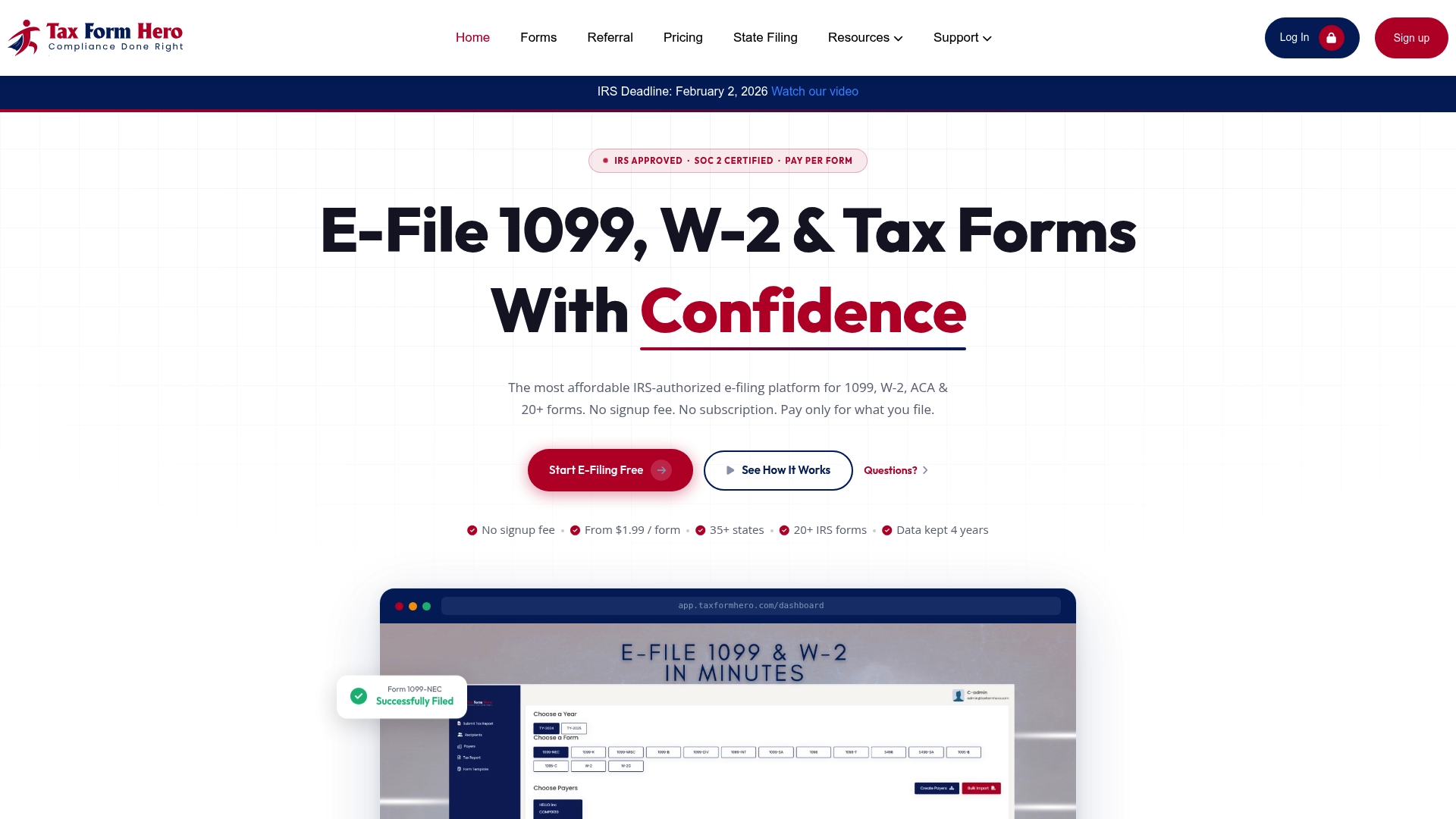
Upload your closing data, run TIN verification, and submit in a single session. TaxFormHero covers federal e-filing, state filing for 35+ states, encrypted recipient e-delivery, and print and mail, all from one dashboard. Pricing starts at $1.99 per form, and you pay only for what you file.
Start filing your 1099-S returns at TaxFormHero today and skip the TCC wait entirely.
Authoritative IRS resources for 1099-S e-filing
Use these primary IRS sources to verify current rules, deadlines, and system requirements before you file.
- About Form 1099-S, Proceeds from Real Estate Transactions: Overview of the form’s purpose and links to instructions and the current form PDF.
- Instructions for Form 1099-S (Rev. December 2026): Full HTML instructions covering who must file, responsible party rules, gross proceeds definitions, and e-file options.
- Instructions for Form 1099-S PDF (Rev. December 2026): PDF version with 2026-specific guidance including digital-asset reporting fields.
- E-file information returns: IRS overview of electronic filing requirements and the 10-return threshold rule.
- Topic no. 801, Who must file information returns electronically: Confirms the aggregated 10-return threshold and lists covered form types.
- Apply for a TCC to e-file with IRIS: Step-by-step TCC application guidance, prerequisites, and user account requirements.
- E-file information returns with IRIS: IRIS portal specs, Pub. 5717/5718 references, and A2A connection guidance.
- File Form 1099 series information returns for free online: IRS announcement on free IRIS filing options for eligible filers.
Always verify year-specific deadlines and any late-breaking rule changes at IRS.gov/TaxCalendar before submitting returns for any tax year.
This article is general information, not a substitute for advice from a qualified financial advisor. Consult a qualified financial professional about your own circumstances before acting on anything here.
Sources
- Instructions for Form 1099-S (Rev. December 2026)
- About Form 1099-S, Proceeds from Real Estate Transactions | Internal Revenue Service
- E-file information returns | Internal Revenue Service
- Topic no. 801, Who must file information returns electronically | Internal Revenue Service
- Apply for a TCC to e-file with IRIS | Internal Revenue Service
- Instructions for Form 1099-S (Rev. December 2026)