
The best bulk W-2 filing setup is one that takes a spreadsheet or payroll export, catches errors before the Social Security Administration (SSA) does, delivers employee copies, and charges only for the forms you file. TaxFormHero is built around that: pay-per-form pricing, Excel and CSV bulk import, and W-2 and W-2c filing with the SSA. This guide compares the main routes so you can match one to your volume.
Key Takeaways
- Since 2024, a business that files 10 or more information returns in a year must e-file them, so even small employers now need a bulk-capable process (SSA).
- There are four routes: SSA’s own tools, an EFW2 file you build yourself, commercial software, and a third party that prepares and files for a fee.
- Compare on import, validation, employee copies, state handling, corrections and total cost per form, not on the headline price alone.
- TaxFormHero charges graduated per-form rates with no subscription, signup fee or annual contract. W-2 filing starts at $2.99 per form for the first 50 forms.
TaxFormHero is an IRS-authorized e-filing platform, so you can e-file Form W-2 online without paper or a subscription.
Why bulk W-2 filing is now the default
Treasury Decision 9972 lowered the e-filing threshold from 250 returns to 10. The SSA’s FAQ, updated January 29, 2026, says that if you file 10 or more information returns (W-2s and 1099s combined), you must e-file unless the IRS grants a waiver or exemption. The 2024 General Instructions for Forms W-2 and W-3 add two details that matter for bulk work:
- Corrected Forms W-2c are not counted toward the 10.
- A correction must be filed the same way as the original: electronically if the original had to be e-filed, on paper if it was permitted on paper.
The due date for filing W-2s with the SSA is January 31 each year. Check the SSA’s page for the current year’s schedule before you plan your payroll close.
For an accounting firm, a payroll provider or a finance department with several entities, the practical question is no longer whether to e-file. It is how to move hundreds or thousands of employee records through a process that does not break in late January.
The four ways to file W-2s in bulk
The SSA’s FAQ lists the official routes. A fourth, hiring a third party, is also described there.
| Route | How it works | Best fit | Main friction |
|---|---|---|---|
| Pay-per-form platform (TaxFormHero) | Import from Excel or CSV, review, e-file W-2 and W-2c with the SSA, deliver copies | Small businesses, firms, payroll and HR teams with seasonal volume | You pay per form, so budget by headcount |
| SSA W-2 Online | Type forms into the SSA’s Business Services Online (BSO) | Very small employers | Manual entry, no employee-copy delivery or state filing |
| EFW2 file upload to BSO | You or your payroll software build a fixed-width file and upload it | Teams with a developer or a payroll system that exports EFW2 | One format error can reject the whole file |
| Commercial software or third-party preparer | A product or service transmits to the SSA for a fee | Anyone who wants support and extras | Pricing and features vary widely |
The SSA FAQ describes the SSA’s free W-2 Online product, the EFW2 upload and commercial software that transmits to the SSA. It also notes that a third party may prepare and file for a fee.
Where the SSA’s own tools fit
The BSO suite of services lets you upload a specifically formatted file or enter W-2s and W-2cs online. You can also view processing status, errors and error notices, and request a one-time 15-day extension to resubmit wage data.
That covers transmission. It does not build the file, validate names and SSNs against your payroll data, produce state returns or mail employee copies. Those are the parts that take time in a bulk run, and they are where a platform earns its fee.
One more detail: since tax year 2023 forms, Copies 1, B, C, 2 and D can be completed and printed on IRS.gov, but Copy A cannot be completed online for SSA filing. Copy A needs to be filed electronically through a route above.
Why building your own EFW2 file is harder than it looks
EFW2 is the SSA’s fixed-width electronic format. State agencies reuse it: the District of Columbia OTR says its EFW2 records are 512 bytes and EFW2C correction records are 1,024 bytes. The Hawaii Department of Taxation uses the same formats and says accepted W-2 records must not be re-transmitted. Corrections go through a W-2c instead.
If your payroll software exports clean EFW2, uploading it is a workable route. If your data lives in spreadsheets, a platform that reads Excel or CSV and builds the file for you removes the layout work. Our EFW2 format guide explains the records, and the bulk W-2 upload checklist lists the data to clean before any upload.
What to compare before you choose
Use these criteria on any option, including ours.
1. Bulk import and data cleanup
Look for Excel or CSV templates that accept thousands of rows, with field-level error messages before submission. Wrong SSNs, name mismatches and missing addresses are the most common causes of rework. TaxFormHero imports thousands of records from Excel templates and supports manual entry for the odd correction.
2. Multiple payers or clients
Firms file for many employers. You need separate payer accounts, each with its own EIN and records, under one login. TaxFormHero supports multiple payer accounts, which suits CPA firms, bookkeepers and payroll providers.
3. Employee copies
IRS Publication 1141 (Rev. August 2026) requires employers, including e-filers, to furnish employees at least two copies of Form W-2, and three or more for employees who file state, city or local income tax returns. Your service should either print and mail copies or deliver them electronically.
Electronic delivery has conditions. Under Section 2.4 of Publication 1141, the employee must give affirmative electronic consent and receive required disclosures, including the right to a paper copy and how to withdraw consent. Website-posted statements must be accessible by the January 31 due date and stay up through October 15.
TaxFormHero offers encrypted e-delivery at $0.19 per form and USPS First-Class Mail printing and mailing at $1.69 per form. It also offers free recipient PDF downloads. Whichever delivery you choose, confirm consent is captured for each employee who receives an electronic copy.

4. State filing
Most payroll teams file in more than one state. TaxFormHero offers state filing at $0.99 per form, and states in the Combined Federal/State Filing program carry no additional state-filing charge. Some jurisdictions have their own rules. For tax year 2025, the DC OTR requires a separate direct filing even for approved combined filers, and filings of 25 or more W-2s must be bulk submissions. Check each state’s agency page before you assume a federal filing covers it.
5. Status tracking and corrections
The SSA reports errors and name/SSN mismatches through BSO. A good workflow surfaces those results in one place and makes a W-2c easy to start from the original record. Our W-2 filing workflow guide shows how an exception queue keeps rejects from piling up.
TIN matching helps before you file. TaxFormHero’s TIN matching costs $0.49 per verification.
6. Security
You are uploading Social Security numbers, so ask how data is encrypted in transit and at rest and who has attested to the controls. TaxFormHero uses 256-bit encryption and holds a SOC 2 Type I attestation. For cryptographic modules, the FIPS 140-2 standard is a common reference point in regulated settings.
7. Total cost per form
A low headline price can grow once you add state returns, mailing and corrections. Price the whole job: federal filing, state filing, delivery and any verification. Then divide by the number of employees.
What TaxFormHero costs for W-2s

W-2, W-2c, 1095-B and 1095-C filing begins at $2.99 per form for the first 50 forms, with lower rates at higher volumes. There is no subscription, signup fee or annual contract. See the pricing page for the full tiers.
Example: an employer with 40 employees.
| Item | Calculation | Cost |
|---|---|---|
| W-2 filing | 40 × $2.99 | $119.60 |
| Encrypted e-delivery | 40 × $0.19 | $7.60 |
| TIN matching | 40 × $0.49 | $19.60 |
| Total | $146.80 |
Add state filing at $0.99 per form for states outside the combined program, or printing and mailing at $1.69 per form for employees who need paper. Our W-2 e-file cost guide works through bills for 5, 25, 75 and 200 employees.
For 1099 forms the pricing is graduated: the first 150 forms are $1.99 each, forms 151 to 500 are $0.99, forms 501 to 1,000 are $0.60, and forms above 1,000 are $0.45. Each tier applies only to the forms inside it, so a larger order does not reprice the smaller tiers.
How to pick by profile
- Employers with fewer than about 25 employees: you want simple entry, a clear total and no yearly commitment. Pay-per-form pricing fits because you pay once per season.
- Accounting, bookkeeping and CPA firms: you need multiple payer accounts, bulk import and delivery options per client. Pair a platform with our bulk filing page.
- Payroll and HR teams with an EFW2-capable system: compare platforms on validation and status tracking, since the file itself is already built.
- Teams on Xero or Zoho Books: TaxFormHero connects to both, which helps for 1099 work that sits next to your W-2 process.
- Larger or multi-entity filers: see our enterprise information return filing page.
For a deeper small-business comparison, read our best W-2 e-file picks for small businesses. If you are weighing the SSA’s own portal against a platform, see our BSO alternative guide.
A short pre-filing checklist
- Count your information returns. At 10 or more combined, e-filing is required.
- Export employee data and check legal names, SSNs, addresses and wage boxes against payroll.
- Verify TINs where you have any doubt.
- Decide delivery per employee: PDF download, encrypted e-delivery with consent, or mailed paper.
- List the states where you withhold and confirm each state’s filing method.
- File well before January 31 so any rejects can be fixed inside the deadline.
Why we built it this way
Most W-2 trouble is not the filing itself. It is the data going in and the copies going out. A spreadsheet with a transposed SSN or a missing address costs more time than any fee.
We designed TaxFormHero around that. You import records in bulk from Excel, review them, and e-file. W-2 and W-2c forms go to the Social Security Administration, and recipient copies go out by encrypted email or USPS First-Class Mail. You pay per form, with graduated rates, and nothing when you are not filing.
For firms and payroll teams, we think a clear per-form price and multiple payer accounts matter more than a long feature list. You can see the bill before you file.
Nazrul
Start with your own employee file
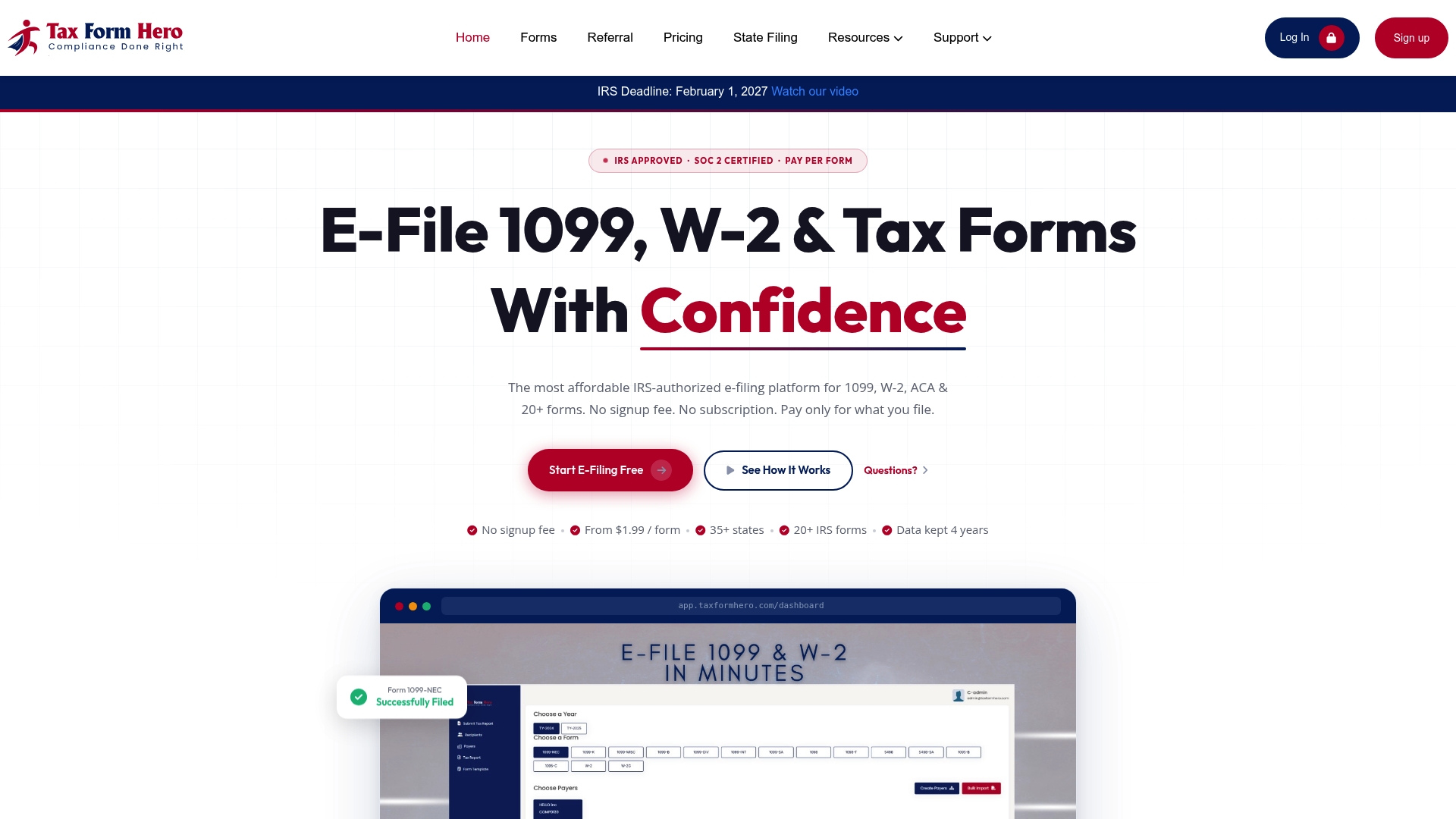
TaxFormHero is an IRS-authorized e-filing platform for businesses, accountants, bookkeepers and CPA firms. You can enter W-2 data manually or import it in bulk, add state filing, delivery and TIN matching per form, and pay only for what you file.
See TaxFormHero’s W-2 filing or review the add-on prices first.
FAQ
Can I file W-2s in bulk without paying for software?
The SSA offers a free W-2 Online product and a file upload through BSO. These cover submission to the SSA. Building the file, state returns, employee-copy delivery and verification are separate tasks, which a platform handles for a per-form fee.
Does the 10-return threshold include W-2c corrections?
No. The IRS general instructions exclude corrected W-2c returns from the count. A correction must be filed the same way as the original: electronically if the original was required to be e-filed.
Do I have to send employees paper copies?
Not necessarily. Electronic delivery is allowed if the employee gives affirmative electronic consent and receives the required disclosures, per IRS Publication 1141. Employees who have not consented must receive paper copies.
What file format do bulk W-2 uploads use?
The SSA accepts EFW2, a fixed-width format. Several states use the same specifications for state wage filings. A platform that imports Excel or CSV can build that file for you.
Sources
- SSA: How do I file W-2s, W-2Cs, and W-3s for my employees?
- SSA: BSO Suite of Services
- IRS: 2024 General Instructions for Forms W-2 and W-3
- IRS Publication 1141 (Rev. August 2026)
- IRS Publication 1141 (2026), Section 2.4
- DC OTR: 2025 MyTax W-2/W-2C Instructions
- Hawaii Department of Taxation: EFW2 and EFW2C Format Specifications
- UUA: W-2 Form Instructions
Recommended
- Bulk W-2 Upload: Formats, SSA Limits and a Prep Checklist
- Best W-2 E-File for Small Business 2026: Top Picks
- Bulk 1099 & W-2 E-Filing | Import Thousands of Forms
- Best Combined W-2 and 1099 Filing Platform (2026)
Disclaimer:
“This content is for informational purposes only and does not constitute legal, tax, or financial advice. For advice specific to your situation, consult a qualified US attorney or CPA.”

File Information Returns With Confidence
TaxFormHero supports 20+ IRS information returns, including 1099 and W-2 forms, with bulk Excel import, name/TIN matching and encrypted recipient delivery.
Explore TaxFormHero