
If you file 10 or more information returns in a calendar year, you must file your Forms W-2 with the Social Security Administration (SSA) electronically. The count includes W-2s and most 1099s, 1095s and 1098s combined, so a business with only four employees can still be covered. Paper filing is a penalty trigger once you cross that line. This guide explains how the threshold works, what the SSA accepts, when a waiver applies and where state rules add to the federal ones. It also shows why a pay-per-form platform fits a payroll team that has to get all of it right by the due date.
Key Takeaways
- Since 2024, the e-filing threshold is 10 information returns in total, not 10 W-2s, and not the old 250.
- W-2s go to the SSA, not the IRS. The SSA accepts online keying, an EFW2 file upload or commercial software.
- A waiver request on Form 8508 must reach the IRS at least 45 days before the due date.
- State rules differ. Some states require no state W-2 filing at all, and others set their own e-file thresholds.
- For the 2026 tax year, Copy A and employee copies are due February 1, 2027.
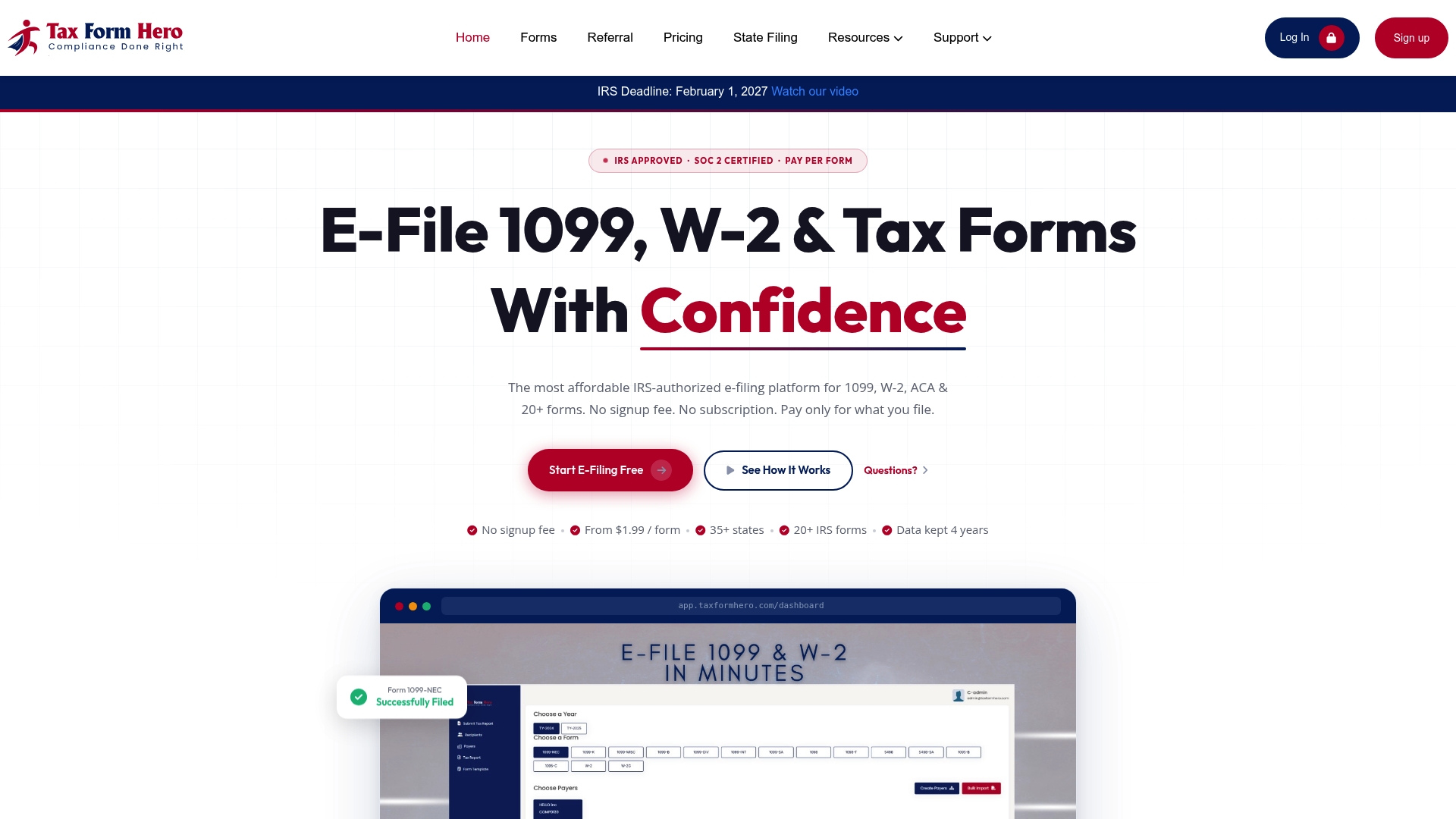
TaxFormHero is an IRS-authorized e-filing platform, so you can e-file Form W-2 online without paper or a subscription.
What the federal rule says
The Taxpayer First Act led the IRS to issue final regulations that lowered the e-filing threshold from 250 returns to 10. The SSA states that this took effect in January 2024, and that filers of 10 or more information returns must file electronically unless the IRS grants a waiver or exemption. The IRS explains the same rule on its e-file information returns page: from tax year 2023 onward, filers with 10 or more information returns must file them electronically, and Forms W-2 are e-filed with the SSA through Business Services Online (BSO).
An information return is a form that reports payments or other data to the government and to the recipient. A W-2 reports wages to an employee. A 1099-NEC reports payments to a contractor. Both count toward the same total.
How the 10-return threshold is counted
This is where most small employers get caught. The threshold does not look at W-2s alone. According to the 2026 General Instructions for Forms W-2 and W-3, you add your W-2s to other information returns, including the 1099 series, 1095-B and 1095-C, the 1098 series, 1094 series, 5498 series, W-2G, 1042-S, 3921, 3922, 8027 and others. If the total is 10 or more, all of those returns must be filed electronically. IRS Topic No. 801 confirms that almost all information return types aggregate under 26 CFR § 301.6011-2.
Two details change the count:
- Corrected returns are excluded from the total.
- An extra W-2 issued because an employee has more than four box 12 codes counts as a separate return.
A worked example
A landscaping company has 6 employees and pays 5 contractors more than the 1099-NEC reporting threshold. That is 6 W-2s plus 5 Forms 1099-NEC, or 11 information returns. All 11 must be filed electronically, including the 6 W-2s, even though neither form type reaches 10 alone.

The same company with 6 employees and 3 contractors has 9 returns. E-filing is not required, though the SSA’s EFW2 specifications note that employers under the threshold may still use electronic methods.
Who counts as the “filer”
The count is per filer, meaning per employer identification number (EIN), the nine-digit number the IRS assigns to a business. If you need yours, here is how to find your Employer Identification Number. A payroll firm or accounting practice that files for many clients should keep each client’s count separate and confirm the rule for each client.
What counts as e-filing a W-2
For W-2s, the SSA, not the IRS, receives Copy A. The SSA lists three electronic methods in its W-2 filing FAQ:
- W-2 Online in BSO, where you key the forms directly.
- An EFW2-format file uploaded through BSO.
- Commercial software that files with the SSA.
A third party can also prepare and file on your behalf.
W-2 Online allows direct keying of up to 50 W-2s at a time, according to the SSA’s 2026 EFW2 specifications. Larger employers use the file upload. That file has strict rules: it needs RA (submitter), RE (employer), RW (employee), RT (total) and RF (final) records, each 512 bytes, and only one wage file can be uploaded at a time, with no .ZIP files. The same publication notes that BSO no longer accepts incorrectly formatted W-2 files and recommends testing files with AccuWage Online before uploading. Our EFW2 format guide walks through the record layout.
Account access
Every submitter must register for a BSO User ID. To file W-2 and W-2c online, you also request wage reporting services, which requires an activation code mailed to the employer’s address, per the SSA’s January 2025 reporter Q&A. Request it early. Mail delivery is the step that stalls first-time filers in January.
The same Q&A says a Transmitter Control Code (TCC) is not required for W-2 and W-3 reports filed with the SSA. A TCC applies to IRS information-return filing. The SSA’s specifications add that the IRS is replacing FIRE with the Information Returns Intake System (IRIS), which will be the only intake system for information returns beginning tax year 2026.
Deadlines for the 2026 tax year
The standard W-2 deadline is January 31 for both filing Copy A with the SSA and furnishing copies to employees, and it moves to the next business day when it lands on a weekend or holiday, per the IRS employment tax due dates. In 2027, January 31 is a Sunday, so the 2026 instructions set the due date at February 1, 2027 for both Copy A and employee Copies B, C and 2.
Two more timing rules matter:
- An employee can request a copy. You must provide it within 30 days of the request or 30 days after the final wage payment, whichever is later.
- An extension to furnish copies (Form 15397) is generally no more than 15 days, unless up to 30 days is clearly shown to be needed.
For a full calendar of checks before the due date, see our W-2 deadlines guide for payroll teams.
Waivers from e-filing
If you must e-file but cannot, you can request a waiver with Form 8508, Application for a Waiver from Electronic Filing of Information Returns. The 2026 instructions say it must be filed with the IRS at least 45 days before the W-2 due date, or 45 days before you file your first Form W-2c. For a February 1, 2027 due date, that falls in mid-December 2026, so the window is short. Build the date backward from the due date each year, and confirm the current procedure on the IRS Form 8508 page.
A waiver covers hardship cases. It is not a way to avoid learning the process. A payroll team that plans to file on paper because the file upload looked difficult is better off fixing the workflow.
Penalties for getting it wrong
Filing on paper when you were required to e-file counts as a failure to file correctly. The 2026 instructions list these per-return penalties for returns due after December 31, 2026:
| When the correct return is filed | Penalty per W-2 | Annual cap | Cap for small businesses |
|---|---|---|---|
| Within 30 days after the due date | $60 | $698,500 | $244,500 |
| After 30 days but by August 1 | $130 | $2,095,500 | $698,500 |
| After August 1 or not filed | $340 | $4,191,500 | $1,397,000 |
Source: General Instructions for Forms W-2 and W-3 (2026). Penalty amounts are adjusted over time, so check the instructions for the year you file.
For a 40-employee company, one missed deadline at the $340 tier is $13,600 before any other penalties. The practical fix is catching errors before submission: mismatched names and Social Security numbers, missing box data and wrong formats are what produce rejects.

Wage reporting threshold change
For wages paid after calendar year 2025, Public Law 119-21 raises the reporting threshold from $600 to $2,000 where no federal income, Social Security or Medicare tax was withheld, and it is adjusted for inflation each calendar year after 2026, according to the IRS draft 2026 instructions. Check the final instructions for the exact wording that applies to your payroll.
State requirements on top of federal
Federal e-filing with the SSA does not settle your state obligation. States set their own rules, and they differ widely. EY’s 2026 payroll year-end checklist reports, as of November 2026:
- California and New York do not require Forms W-2 to be filed with the state.
- Some states require state W-2 e-filing at 10 or more W-2s, for example Alabama when state income tax was withheld.
- Others set the threshold at 26 or more W-2s.
Not filing a W-2 with the state does not mean no state reporting. California employers report wages quarterly on the DE 9 and DE 9C through e-Services for Business, per the EDD employer’s guide DE 44. New York requires quarterly NYS-45 returns to be filed electronically, and the NYS-50 guide says paper filers may face a $50 penalty for each tax document not filed electronically.
Multi-state payrolls should build a table of each state where they have employees, whether a W-2 filing is required, the threshold and the due date.
A repeatable e-file routine
- Count your returns. Add W-2s, 1099s, 1095s and other information returns for the year. Corrected returns stay out.
- Confirm EINs and account access. Make sure BSO wage reporting is activated before December.
- Collect and verify employee data. Names must match Social Security records. TIN matching verifies a taxpayer identification number against IRS records.
- Build the file or enter the data. Keying works up to 50 W-2s. Above that, use the EFW2 file or software.
- Test and submit. Fix format errors before the due date, not after a rejection.
- Furnish employee copies. The same due date applies as for Copy A.
- Handle state filings. Follow each state’s rule on W-2 and quarterly wage reports.
- Keep records and confirmations. Store submission confirmations with your payroll file.
Our W-2 filing workflow covers how to manage rejected records, and our guide to e-filing W-2 forms goes through the submission process in more detail.
Why a pay-per-form platform fits
Most employers do this once a year, in a short window. A subscription for 11 months of idle software makes little sense. TaxFormHero is an IRS-authorized information-return e-filing platform with no subscription, signup fee or annual contract. W-2, W-2c, 1095-B and 1095-C filing begins at $2.99 per form for the first 50 forms, with lower rates at higher volumes. W-2 and W-2c forms are filed with the SSA.
For a payroll team, the relevant features are these:
- Import thousands of records from Excel templates, or enter data manually.
- Manage multiple payer accounts, useful for bookkeepers and accounting firms with many clients.
- Send recipient copies by encrypted email ($0.19 per form) or USPS First-Class Mail ($1.69 per form).
- Run TIN matching at $0.49 per verification before you file, through the TIN matching page.
- File state returns for $0.99 per form, with state filing available in 41+ states and Washington, D.C. Combined Federal/State Filing states carry no additional state-filing charge.
If your 10-return count includes 1099s, the same account handles those too. 1099 pricing is graduated: the first 150 forms are $1.99 each, forms 151 to 500 are $0.99, forms 501 to 1,000 are $0.60 and forms above 1,000 are $0.45. Each tier applies only to the forms inside it. See the full price list.
Our view
Most e-filing problems we hear about are not about the law. The rule is short: 10 or more information returns, file electronically. The trouble comes from the count, the account activation and bad data that is found too late.
That is why we built TaxFormHero around the work before submission. Bulk import from Excel means a payroll team does not retype records. TIN matching at $0.49 per verification means a wrong number is found while it is still easy to fix. Recipient copies go out by encrypted email or USPS First-Class Mail from the same account.
We price per form, with no subscription and no signup fee, because a W-2 season is short and the cost should follow the number of forms you actually file. We are IRS-authorized and hold SOC 2 Type I and Type II attestation, so the data you hand us is handled to an audited standard.
Start early, count honestly and verify before you submit.
Nazrul
Ready to prepare your W-2s
TaxFormHero lets you import employee data, verify TINs, add state filing and deliver recipient copies in one account, with W-2 filing from $2.99 per form and no subscription. Start from the TaxFormHero home page and see all add-on prices on the pricing page.
FAQ
Do I need to file my W-2s electronically if I have only a few employees?
Possibly. The test is 10 or more information returns in total, not 10 employees. W-2s and most 1099s are added together. If your combined total reaches 10, all of them must be e-filed unless the IRS grants a waiver.
Where do I e-file Forms W-2?
With the SSA, not the IRS. You can use W-2 Online in BSO, upload an EFW2 file, or use commercial software or a third party. To use BSO you register for a User ID and activate wage reporting services with the mailed code.
Can I request a waiver from e-filing?
Yes. File Form 8508 with the IRS at least 45 days before the W-2 due date. Plan this early, because the window closes in mid-December for a February 1 due date.
Do corrected W-2s count toward the 10-return threshold?
No. Corrected returns are excluded from the count. An extra W-2 issued because an employee has more than four box 12 codes does count.
Do states require W-2 e-filing too?
It depends on the state. Some, such as California and New York, do not require W-2s to be filed with the state but have separate quarterly wage reports. Others set thresholds at 10 or 26 W-2s. Check each state where you have employees.
Sources
- General Instructions for Forms W-2 and W-3 (2026), IRS
- 2026 General Instructions for Forms W-2 and W-3 (PDF), IRS
- 2026 General Instructions draft, IRS
- E-file information returns, IRS
- Topic no. 801, IRS
- Employment tax due dates, IRS
- How do I file W-2s, W-2Cs, and W-3s, SSA
- 2026 EFW2 specifications, SSA
- Reporter Q&A January 2025, SSA
- 2026 payroll year-end checklist, EY
- California Employer’s Guide DE 44, EDD
- Form NYS-50, New York State Department of Taxation
Recommended
- Beat Feb 1 Rejects: W-2 Workflow With Exception Queue for U.S. Payroll
- E-File W-2 Forms: 2026 Guide for Payroll Professionals
- February 1, 2027: W-2 Deadlines and Efile Checks for Payroll Teams
- How TaxFormHero Works: E-File 1099 & W-2 Step by Step
Disclaimer:
“This content is for informational purposes only and does not constitute legal, tax, or financial advice. For advice specific to your situation, consult a qualified US attorney or CPA.”

File Information Returns With Confidence
TaxFormHero supports 20+ IRS information returns, including 1099 and W-2 forms, with bulk Excel import, name/TIN matching and encrypted recipient delivery.
Explore TaxFormHero