
The only fillable W-9 you should trust is the one the IRS publishes on its About Form W-9 page. It is free, it is the current revision, and you complete it on screen, sign it and hand it to the person who asked for it. Third-party templates often lag behind a revision. If you are the payer, the bigger job is collecting, checking and storing those forms before 1099 season. That is where accounting teams lose the most time, and it is where we built TaxFormHero to help: collecting W-9s and verifying TINs ahead of the January information-return deadlines.
This guide covers both sides: how to complete the form correctly, and how a business or firm should request, validate and keep the forms it receives.
Key Takeaways
- Download the form only from the IRS. Its page lists the current revision and the requester instructions.
- A W-9 is not sent to the IRS. The payee gives it to the requester, who keeps it and uses the TIN to prepare information returns.
- A missing or wrong TIN can trigger 24% backup withholding, so validate every form when it arrives.
- Electronic signatures are allowed only through a system that meets the IRS requester rules, so a typed name in an email is not enough.
- Keep each W-9 for at least four years, and track whether a new revision changes what you collect.
TaxFormHero is an IRS-authorized e-filing platform, so you can e-file Form W-2 online without paper or a subscription.
What a W-9 does and who asks for one
Form W-9 is a Request for Taxpayer Identification Number and Certification. According to the IRS, you use it to give your correct TIN to a person who is required to file an information return. Typical reasons include income paid to you, real estate transactions, mortgage interest, cancellation of debt and IRA contributions.
That list explains why the audience for this form is wide. A small business asks contractors for one before paying them. A credit union or mortgage company asks for one to report interest or mortgage activity. A retirement fund collects one for contributions. A digital asset broker asks customers for one to report sales.
The IRS tells small businesses that once you decide a payee is an independent contractor, the first step is to have the contractor complete a Form W-9. The same page says to keep it in your files for four years in case the worker or the IRS has questions.
The W-9 also does a second job. It certifies that the person is a U.S. person. A university payroll guide from the University of Richmond explains that this is why a W-9 stays valid indefinitely until the underlying fact changes, such as the TIN or U.S. status, rather than expiring each year.
For the payer-side timing questions, our guide to the W-9 request process covers what to ask for and when.

Where to get the current fillable W-9
Go to the IRS page for Form W-9. It lists the current revision as a PDF, next to the Instructions for the Requester of Form W-9. Open the PDF in a current version of Adobe Reader or a modern browser so the fields stay fillable.
A few habits prevent most problems:
- Download from the IRS each time you send a form to a payee. Do not reuse a copy saved years ago.
- Check the revision date printed on the form. The IRS page tells you which one is current.
- Do not edit the form’s wording. Requesters may use a substitute form only if its content is substantially similar and it states the four required certifications, according to the IRS requester instructions (03/2024). Those are: the TIN is correct, the payee is not subject to backup withholding, the payee is a U.S. person, and any FATCA code entered is correct.
- Send the blank PDF, not a screenshot. Payees need fields they can type into.
A new revision may be on the way
BDO reported in October 2025 that the IRS had released a draft Form W-9 dated January 2026 to replace the March 2024 revision. According to that analysis, the draft:
- adds a checkbox in Part II for U.S. digital asset brokers claiming an exemption from information reporting;
- adds exempt payee code 14 for certain digital asset transactions;
- says sole proprietors must enter their SSN rather than an EIN;
- clarifies that a single-member LLC disregarded as separate from its owner enters the owner’s TIN.
A draft is not the final form. Before you send a W-9 to anyone, confirm on the IRS page which revision is in force, and update your request template when it changes. Digital asset brokers and any firm that collects forms from sole proprietors should watch this one closely.
How to fill out the W-9, line by line
The form is short, but the same few lines cause most rejected forms. Work top to bottom.
- Line 1, name. Enter the name as shown on your income tax return. For an individual, that is your personal name. For a single-member LLC treated as disregarded, it is the owner’s name.
- Line 2, business name. Enter a business name, trade name, DBA or disregarded entity name only if it differs from line 1.
- Line 3, federal tax classification. Check one box: individual or sole proprietor, C corporation, S corporation, partnership, trust or estate, or LLC with its tax classification letter. Pick the classification that matches how the entity files its federal return.
- Line 4, exemptions. Most individuals and sole proprietors leave this blank. It applies to certain exempt payees and to FATCA reporting, with codes listed in the form instructions.
- Lines 5 and 6, address. Use the address where the requester should send the information return, such as a 1099 recipient copy.
- Part I, TIN. Enter one number only: an SSN or an EIN. More on which one below.
- Part II, certification. Sign and date. The payee certifies the TIN, the backup withholding status and U.S. person status under penalties of perjury.
Which TIN to enter
The number must match the name on line 1. An individual or sole proprietor generally uses an SSN, and the draft revision discussed above points sole proprietors to the SSN. A corporation, partnership or similar entity uses its EIN. A disregarded single-member LLC uses the owner’s TIN.
A mismatch between name and number is the most common reason a payer later receives an IRS notice. If the payer files a return with a name and TIN pair that does not match IRS records, the IRS can notify the payer, and the payer may then need to start backup withholding.
If you do not have a TIN yet
Guidance on substitute W-9 certification, filed with the SEC, says to write “Applied For” in the TIN space in Part I, complete the certificate of awaiting taxpayer identification number, sign and date the form and give it to the requester. Apply for the SSN or EIN first, then send the actual number as soon as you receive it.
Signing and sending a fillable W-9 electronically
You can complete the PDF on screen. The signature is the part that needs care.
The IRS requester instructions allow requesters to set up an electronic system for submitting Forms W-9. That system must:
- ensure the information received is the information sent;
- document all user access that results in a submission;
- make reasonably certain the submitter is the person named on the form;
- provide the same information as the paper form;
- be able to supply a hard copy if the IRS asks;
- require, as the final entry, an electronic signature by the payee under penalties of perjury, with the perjury language found on the paper form.
Two practical conclusions follow.
If you are the payee and the requester sent you a link to a secure portal, use it. If they asked for a PDF by email, you can add your signature to the fillable file. A browser-based tool that lets you sign a PDF online keeps the document on your device while you work. Then send the signed file through whatever secure channel the requester names, not as a plain email attachment with an SSN in it.
If you are the requester, an emailed PDF is an intake method, not a controlled system. It lacks the access log and identity checks described above. A structured collection process gives you the audit trail you may need later.
Do you file a W-9 with the IRS?
No. The W-9 goes to the requester, not to the IRS. The IRS describes it as the form you use to give your TIN to the person who must file an information return. The payer keeps the form and uses the name, address and TIN to prepare the return, such as a 1099-NEC for a contractor or a 1099-INT for interest.
This is why a payee should never mail a W-9 to an IRS address, and why a payer must store it safely: it holds an SSN or EIN. The IRS asks payers to keep it for four years, as noted above.
W-9 or W-8: which form applies
The difference is U.S. status. The IRS explains in its withholding guidance that a U.S. person partner gives a W-9, while a foreign partner gives the right W-8 form: W-8BEN for a nonresident alien, W-8BEN-E for a foreign corporation, W-8IMY for a foreign partnership and W-8EXP for a foreign government or tax-exempt organization. A partnership that does not receive a W-9 must presume the partner is foreign.
The requester instructions are blunt on this as well: a foreign person may not provide a Form W-9. If a vendor tells you they are based abroad, ask for the appropriate W-8 instead of forcing a W-9.
Why a missing or wrong W-9 costs the payer money
A properly completed and signed W-9 is something a payer can rely on to avoid backup withholding, according to the IRS requester instructions. The same instructions say the payer must deduct, withhold and deposit 24% of reportable payments when:
- the payee fails to furnish a TIN;
- the IRS notifies the payer that the TIN is incorrect;
- there is notified underreporting of interest or dividends;
- the payee fails to certify that they are not subject to backup withholding.
For a bookkeeping firm with 40 contractor clients, one unchecked TIN can mean a notice, a withholding obligation and a conversation with a client at the worst time of year. That is why the collection step belongs well before January. The CPA Practice Advisor has a useful look at standardizing W-9 collection before January for firms that handle many clients.
If a contractor will not hand over a form, the right response is documented, not improvised. Our guide on what to do when a contractor refuses a W-9 walks through it.
A W-9 collection routine for payers
A fillable PDF solves the payee’s problem. The payer’s problem is volume, accuracy and records. A repeatable routine looks like this:
- Collect before the first payment. Make a completed W-9 part of vendor onboarding, not a January scramble.
- Send the current IRS form. Confirm the revision date every time.
- Review the form on arrival. Check that line 1 is filled, the classification box is checked, one TIN is entered, and the form is signed and dated.
- Verify the name and TIN pair. Matching the name to the TIN before you file helps avoid mismatch notices. Our piece on automating TIN matching before CP2100 notices explains the workflow.
- Store it securely. Limit who can see SSNs and EINs, and keep each form for the four-year period the IRS notes.
- Reuse the data. Recipient names, addresses and TINs should flow into your information returns without retyping.
- Update on change. When a vendor changes its name, entity type or TIN, request a fresh form.
For firms with a large vendor list, retyping is where errors enter. Importing recipient data in bulk from a spreadsheet removes that step.
What this looks like with TaxFormHero
TaxFormHero is an IRS-authorized information-return platform that helps users collect completed W-9 forms, run instant TIN verification and organize recipient information. You can enter recipients manually or import thousands of records from Excel templates, and manage multiple payer accounts from one place, which suits accounting and bookkeeping firms handling many clients. Xero and Zoho Books users can connect their accounts and import data.
TIN matching is priced at $0.49 per verification. Recipient copies can go out by encrypted e-delivery at $0.19 per form or by USPS First-Class Mail at $1.69 per form. You can see the add-ons on our pricing page and read more about TIN matching and verification.
For background on how the payment thresholds work once your W-9s are in, read our explainer on paying contractors with 1099s and the $2,000 rule.
Ready to move from collecting to reporting
When your W-9s are complete and verified, the next job is the return itself. TaxFormHero uses pay-per-form pricing with no subscription, signup fee or annual contract. For 1099 forms the first 150 forms cost $1.99 each, forms 151 to 500 cost $0.99 each, forms 501 to 1,000 cost $0.60 each, and forms above 1,000 cost $0.45 each. Each tier applies only to the forms within it. W-2, W-2c, 1095-B and 1095-C forms begin at $2.99 per form for the first 50 forms. State filing is $0.99 per form.
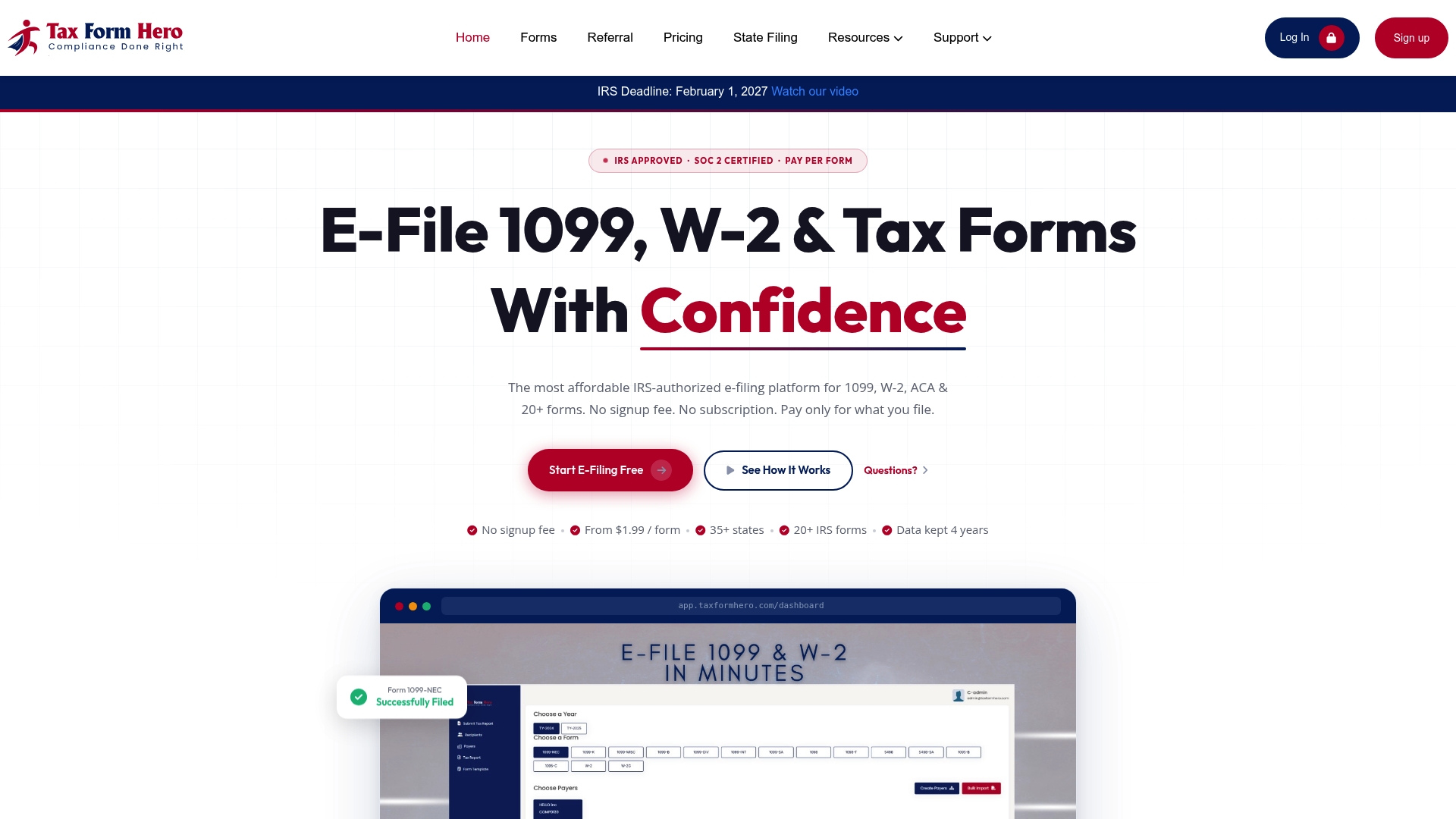
If your records are ready, start from the TaxFormHero home page and choose the form you need.
Our perspective
A W-9 looks like the smallest form a business handles. In practice it decides whether the return you prepare months later is right. The name, the TIN and the signature on that page become the data on every recipient copy.
We think the fillable PDF is the easy part. Payees can complete it in minutes. The harder work is on the payer side: receiving forms in a consistent way, checking the TIN, keeping the record, and carrying the data into the return without retyping it.
That is why we built TaxFormHero around the whole chain. We help users collect completed W-9 forms, verify TINs instantly, organize recipient information and then prepare and file 1099, W-2 and ACA returns. We are IRS-authorized and hold SOC 2 Type I and Type II attestation, and we price each form on its own with no subscription, so a firm pays for the work it actually does.
For a CPA firm or bookkeeping practice, that means one record per recipient, a verification step before filing and bulk import for the high-volume weeks. We would rather you catch a name and TIN problem in November than learn about it in a notice.
Nazrul
FAQ
Is a fillable W-9 the same as the official IRS W-9?
It is the same if you download it from the IRS and fill in its fields. Many websites offer their own templates or rebuilt copies. Requesters may accept a substitute form only if it is substantially similar and carries the four required certifications, so the safest choice is the IRS PDF.
Can I type my signature on a fillable W-9?
The requester decides how it accepts the form, and the IRS sets conditions for electronic systems. The final entry must be an electronic signature under penalties of perjury, and the system must reasonably confirm who submitted it. If the requester gives you a secure portal, use that. Otherwise ask the requester which signing method it accepts.
How long does a W-9 stay valid?
There is no annual expiry. Per university payroll guidance, a W-9 stays valid until the TIN or the person’s U.S. status changes. Request a new one when a payee changes its name, entity type or TIN. Payers should keep the form for four years under IRS small business guidance.
Which number do I put on a W-9 if I run an LLC?
It depends on the tax classification. A single-member LLC disregarded from its owner enters the owner’s TIN. An LLC taxed as a corporation or partnership uses its own EIN. If you are unsure, check how the LLC files its federal return, or ask your CPA.
Sources
- About Form W-9, Request for Taxpayer Identification Number (IRS)
- Forms and associated taxes for independent contractors (IRS)
- Instructions for the Requester of Form W-9, 03/2024 (IRS)
- Residency for Tax Purposes, International Taxation (University of Richmond)
- IRS Drafts Revision to Form W-9 for TIN Requests (BDO)
- Who must withhold (IRS)
- Guidelines for Certification of Taxpayer ID Number on Substitute Form W-9 (SEC filing)
- The 1099 Workflow Gap: How CPA Firms Can Standardize W-9 Collection Before January (CPA Practice Advisor)
Recommended
- The W-9 Request Process: What to Ask For and When
- W-9 Collection: Automate IRS TIN Matching Before CP2100 Notices
- Contractor Refuses W-9? File Anyway in 2026 - Here’s How
Disclaimer:
“This content is for informational purposes only and does not constitute legal, tax, or financial advice. For advice specific to your situation, consult a qualified US attorney or CPA.”

File Information Returns With Confidence
TaxFormHero supports 20+ IRS information returns, including 1099 and W-2 forms, with bulk Excel import, name/TIN matching and encrypted recipient delivery.
Explore TaxFormHero