
Interactive TIN Matching is an IRS online check that tests a payee’s name and taxpayer identification number (TIN) against IRS records before you file. You enter up to 25 name/TIN pairs per session and get a result code back in real time. Eligible payers can use it at no charge, and it is the quickest way to catch a bad W-9 before it turns into an IRS notice. Where you are not eligible, or you want the check inside your filing workflow, TaxFormHero’s TIN Matching & Verification runs at $0.49 per verification.
This guide explains the program for payers and the accounting, payroll and bookkeeping teams that work for them. It covers who qualifies, how access works, how to read the results and what to do when a pair does not match.
Key Takeaways
- Interactive TIN Matching checks a payee’s name and TIN against IRS records. It covers up to 25 combinations per session and returns results immediately.
- Eligibility is limited. Payers of certain Form 1099 types may qualify, and employers filing Forms W-2 cannot enroll.
- Result code 0 means a match. Codes 1 to 3 point to a missing, unissued or mismatched TIN, and 4 to 8 cover invalid, duplicate or unknown-type requests.
- A failed match is a prompt to fix your records and request a new Form W-9. It is not an IRS notice.
- If the IRS later sends a CP2100 or CP2100A notice, B notice and backup withholding deadlines apply.
Filing one yourself? You can e-file Form W-2 online with TaxFormHero, an IRS-authorized e-filing platform.
What interactive TIN Matching checks
A TIN is the nine-digit number the IRS uses to identify a taxpayer: a Social Security number (SSN), an employer identification number (EIN) or an individual taxpayer identification number (ITIN). On a Form W-9, a contractor or vendor gives you a name and a TIN. The IRS compares the two on every information return you file. If they do not agree, the return is flagged.
The IRS TIN Matching program lets eligible payers run that comparison first. According to IRS Publication 2108, the user enters a TIN type, a TIN and a name, and the system returns a match indicator for each combination. The program is not new. Revenue Procedure 2003-9 expanded what had been a federal-agency program into an online system open to payors of reportable payments and their authorized agents. The same revenue procedure says participants may rely on a verified TIN/name match as reasonable cause under section 6724(a), which is the penalty-relief standard for incorrect information returns.

The check confirms that the name and TIN agree in IRS records. It does not tell you whether the person is who they say they are, and it does not tell you whether the payment is reportable. Those remain your calls.
Who can use it
The IRS sets the eligibility rules, and they are narrower than many payers expect.
- Eligible forms. Per Publication 2108, payers or authorized agents submitting Forms 1099-B, 1099-DIV, 1099-INT, 1099-PATR, 1099-OID, 1099-K, 1099-MISC, 1099-NEC or 1099-G may be eligible.
- Not eligible. Employers submitting Forms W-2 cannot enroll.
- Payer Account File. You must be listed in the IRS Payer Account File (PAF). According to the IRS TIN Matching page, payers are added if they filed Forms 1099 within the last two years to report backup withholding.
The PAF requirement catches many small businesses. If you have never reported backup withholding on a Form 1099, you may not be listed. Accounting firms that file for clients can use the program as an authorized agent where the client qualifies.
For payers outside the program, the check still matters. The IRS compares names and TINs on every return you file whether or not you could pre-verify them. That is one reason we built TIN verification into our platform at $0.49 per verification, so the check sits next to the W-9 data and the filing.
How access works
TIN Matching is part of IRS e-Services, a suite of web-based tools for tax professionals, reporting agents, mortgage lenders and payers, as the IRS e-Services page describes it. Access follows these steps, per Publication 2108:
- Set up an ID.me account. The TIN Matching application is made after you access it.
- The Principal of the business completes the application and assigns roles to the firm’s users.
- Each user accepts the terms of agreement at sign-in.
The Principal is the person with authority over the firm’s e-Services. For a small business that is usually the owner. For an accounting firm it is a partner or the person who runs compliance. Decide this before you start, because the roles you assign control who on your team can run matches.
The IRS does not currently charge a fee to participate or to access the TIN Matching database, and the system is available 24 hours a day apart from scheduled maintenance, per the same publication. For a walkthrough of the application itself, see our guide to the IRS TIN Matching application.
Submitting an interactive request
Once your access is active, a session works like this, following Publication 2108:
- Log in with the username and password you set up and accept the TIN Matching terms of agreement.
- For each payee, select the TIN type (SSN, EIN or unknown), enter the nine-digit TIN and enter the name.
- Add up to 25 combinations in the session.
- Select Submit. The system returns each combination with its match indicator.
- To document due diligence, enter combinations one at a time, print each result and file the printout with the payee’s records.
There is also a daily cap. One User ID can enter 9,999 interactive requests in a 24-hour period.
Where requests go wrong
Most bad results come from input, not from the payee.
- Typos in the TIN. A transposed digit returns a mismatch. Copy from the signed W-9, never from memory.
- Wrong name. An individual contractor who operates under a business name should be checked under the name on the W-9 line 1, which is the name tied to the TIN. A trade name on line 2 is not part of the check.
- Wrong TIN type. Choosing EIN for an SSN returns a mismatch. When you do not know, the unknown option exists, and it returns codes 6, 7 or 8.
- Duplicates. Sending the same pair twice in a session returns code 5.
Collecting clean data at the start prevents most of this. Our notes on the W-9 request process cover what to ask for and when.
Reading the response codes
The system returns one numeric indicator per combination. Publication 2108 defines them:
| Code | Meaning | What to do |
|---|---|---|
| 0 | Name/TIN combination matches IRS records | Keep the result with the W-9 |
| 1 | TIN missing or not nine digits | Correct the number and resubmit |
| 2 | TIN not currently issued | Request a new W-9 from the payee |
| 3 | Name/TIN combination does not match | Check for typos, then request a new W-9 |
| 4 | Invalid request | Fix the input and resubmit |
| 5 | Duplicate request | Use the earlier result |
| 6 | SSN match when TIN type was unknown | Record the TIN as an SSN |
| 7 | EIN match when TIN type was unknown | Record the TIN as an EIN |
| 8 | Match on both SSN and EIN when type was unknown | Confirm the type with the payee |
Codes 2 and 3 are the ones that matter for compliance. They tell you the combination would likely be flagged if you filed it as is.
Name control: why the match is not character by character
The IRS does not compare every character of a name. It works from a name control. The IRS describes it, in its guidance on name controls for corporate e-filing, as up to four alpha or numeric characters derived from the taxpayer’s name. Ampersand and hyphen are the only special characters allowed. The word The is included only when followed by exactly one word, and dba is never part of the name control.
In practice, this means a small spelling difference in the later part of a business name may still match, while a wrong first word will not. Do not rely on that tolerance. Enter the name exactly as it appears on the W-9, and let the control handle the rest.
Interactive versus bulk matching
The IRS runs a second mode for large lists. The two differ in size and speed, per Publication 2108:
| Interactive | Bulk | |
|---|---|---|
| Combinations per submission | Up to 25 per session | Up to 100,000 in one file |
| Input | Entered online | Semicolon-delimited text file through a secure mailbox |
| Results | Real time | Within 24 hours, with a tracking number |
| Limit | 9,999 requests per 24 hours per User ID | Results available for 30 days, retained 3 days after access |
Interactive suits new vendors and onboarding, where you check a W-9 the day it arrives. Bulk suits a year-end sweep of your whole payee list. If you manage hundreds of payees, spreading the work over the year with interactive checks keeps year-end clear.
A useful habit is to check every W-9 when you receive it, before the first payment. Our W-9 collection guide shows how to tie collection and TIN matching together so the check happens before the CP2100 cycle, not after it.
When a match fails
A code 2 or 3 is a pre-filing warning. Act on it before January.
- Compare the result against the signed W-9. Fix any typo.
- If the data is right, contact the payee and request a new, signed Form W-9.
- Record the date and what you sent. That log supports your due diligence.
- Re-run the match with the corrected data.
A payee who will not provide a corrected W-9 is a separate problem. We cover it in what to do when a contractor refuses a W-9.
If the IRS notice arrives anyway
Payers who file incorrect name/TIN combinations receive a notice. Per the IRS notice guidance, a CP2100 goes to payers with 50 or more incorrect information returns, and a CP2100A to those with fewer than 50. The IRS issues them twice a year, in October and the following April.
The response steps in Publication 1281 run as follows:
- Compare the listing with your business records.
- If it does not agree, check for filing errors, post-filing changes or IRS misprints, and correct your records without writing to the IRS.
- If it agrees, send the First B Notice and a Form W-9 within 15 business days of the notice date or receipt, whichever is later.
- If the payee does not return a signed W-9, begin backup withholding no later than 30 business days after you received the notice.
- Stop withholding no later than 30 calendar days after you receive the corrected TIN.
The backup withholding actions for small businesses explain how these timelines affect a small payer’s cash flow. For the notice sequence itself, see our B notice process guide.
Automation helps here too. One industry write-up looks at how AI and automation catch 1099, W-2 and ACA errors before IRS deadlines, which is the same logic as matching early.
Putting TIN matching to work on your payee list
A routine that holds up across a year looks like this:
- At onboarding: collect the W-9 and run the match before the first payment.
- At each change: re-run when a payee changes name, entity type or TIN.
- Before filing: check any payee who has not been verified.
- After filing: keep the result printouts with the W-9 file.
The point of the routine is evidence. If a mismatch surfaces later, a dated match result and a W-9 request log show you acted in good faith.
TIN verification inside your filing workflow
If you want the check where your payee data already sits, TaxFormHero offers TIN verification at $0.49 per verification, with no subscription or signup fee. You can run it alongside W-9 collection and 1099 preparation, so recipient records are checked before you file. Add-ons are priced per form on the pricing page, and the TIN Matching & Verification page has the details.
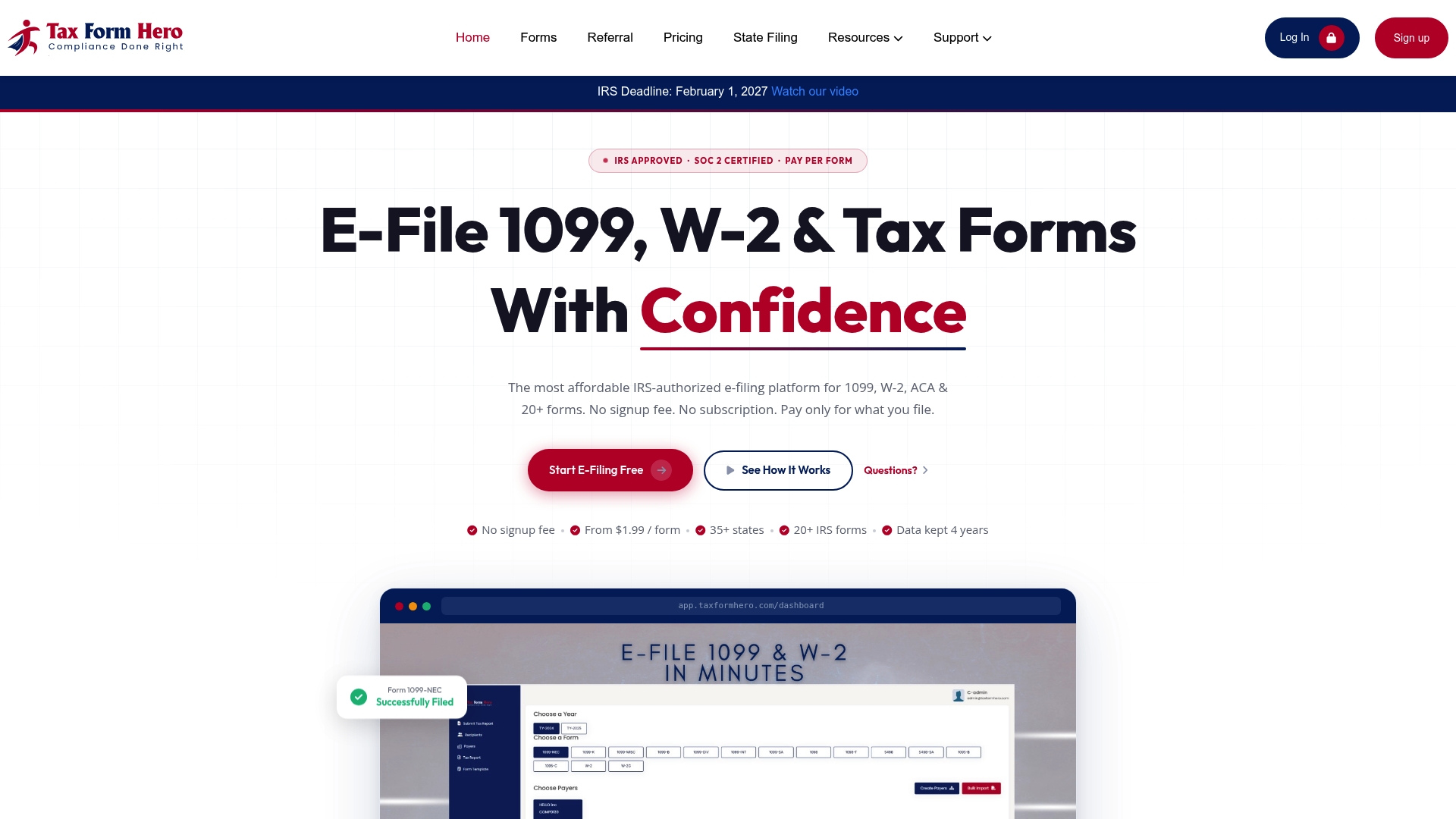
TaxFormHero is an IRS-authorized e-filing platform. Teams can enter recipients manually or import them from Excel templates, and accounting firms can manage multiple payer accounts.
Our perspective
Most TIN errors we think about start long before filing season. They start the day a W-9 arrives with a digit out of place and nobody checks it.
We built TIN verification to sit beside W-9 collection and filing for that reason. A check priced at $0.49 per verification is small next to the time it takes to answer a notice, send a B notice and track withholding dates.
The IRS program is a valuable free tool for payers who qualify. The principle behind it applies to everyone: verify at intake, keep the result, and file with data you have already tested. Teams that do this spend January filing rather than correcting.
Nazrul
FAQ
Is interactive TIN Matching free?
Yes. Per IRS Publication 2108, the IRS does not currently charge a fee to participate in the program or to access its name/TIN database. Eligibility rules still apply, and you must be listed in the Payer Account File.
Can I use it for Forms W-2?
No. Employers submitting Forms W-2 cannot enroll in the IRS program. It covers specific Form 1099 types, including 1099-NEC, 1099-MISC and 1099-K. You can still collect clean employee data at hire and verify it through other means.
How many TINs can I check at once?
Up to 25 name/TIN combinations per interactive session, and up to 9,999 requests per 24 hours for one User ID. For lists of up to 100,000 combinations, the IRS bulk option returns results within 24 hours.
Does a match mean I can skip a B notice later?
Not automatically. A match shows the name and TIN agreed in IRS records at the time you checked. If you later receive a CP2100 or CP2100A listing a payee, compare it to your records and follow the notice steps in Publication 1281. A dated match result in your file supports your records.
Sources
- IRS Publication 2108: Online Taxpayer Identification Number (TIN) Matching Program
- IRS: Taxpayer Identification Number (TIN) Matching
- IRS: E-Services
- Rev. Proc. 2003-9, Internal Revenue Bulletin 2003-8
- IRS: Using the correct name control in e-filing corporate tax returns
- IRS: Understanding your CP2100 or CP2100A notice
- IRS Publication 1281: Backup Withholding for Missing and Incorrect Name/TIN(s)
- How AI and automation can catch 1099, W-2 and ACA errors before IRS deadlines
Recommended
- IRS TIN Matching Application: Eligibility, Setup and Results
- TIN Matching & Verification
- IRS TIN Matching Guide for Tax Professionals: 2026
- W-9 Collection: Automate IRS TIN Matching Before CP2100 Notices
Disclaimer:
“This content is for informational purposes only and does not constitute legal, tax, or financial advice. For advice specific to your situation, consult a qualified US attorney or CPA.”

File Information Returns With Confidence
TaxFormHero supports 20+ IRS information returns, including 1099 and W-2 forms, with bulk Excel import, name/TIN matching and encrypted recipient delivery.
Explore TaxFormHero