
Both 1099Online and TaxFormHero are online services for preparing and e-filing information returns, and both aim at small businesses, bookkeepers and accounting firms. The practical difference for most filers comes down to how each charges, which add-ons are priced separately, and how well the workflow fits your volume. This guide compares them on those points and shows the math for TaxFormHero’s graduated pricing so you can run the same numbers for your own list of recipients.
Key Takeaways
- TaxFormHero charges per form with no subscription, signup fee or annual contract. Each price tier applies only to the forms inside that tier.
- For 1099 forms, the first 150 cost $1.99 each, forms 151 to 500 cost $0.99, forms 501 to 1,000 cost $0.60, and anything above 1,000 costs $0.45.
- Add-ons are priced per form: state filing $0.99, print and mail $1.69, encrypted e-delivery $0.19, TIN matching $0.49.
- Compare total cost, not the headline rate. Include state filing, TIN checks and recipient delivery in every quote.
- Pull 1099Online’s current rates from its own pricing page before you decide, because per-form rates and add-on fees change from season to season.
TaxFormHero is an IRS-authorized e-filing platform, so you can e-file Form W-2 online without paper or a subscription.
How the two services are positioned
1099Online presents itself as an affordable, cloud-based 1099 service. Its site highlights bulk data import, TIN checking and mailing of recipient copies, and it describes the preparation and validation of tax documents as quick. It is aimed at businesses of different sizes.
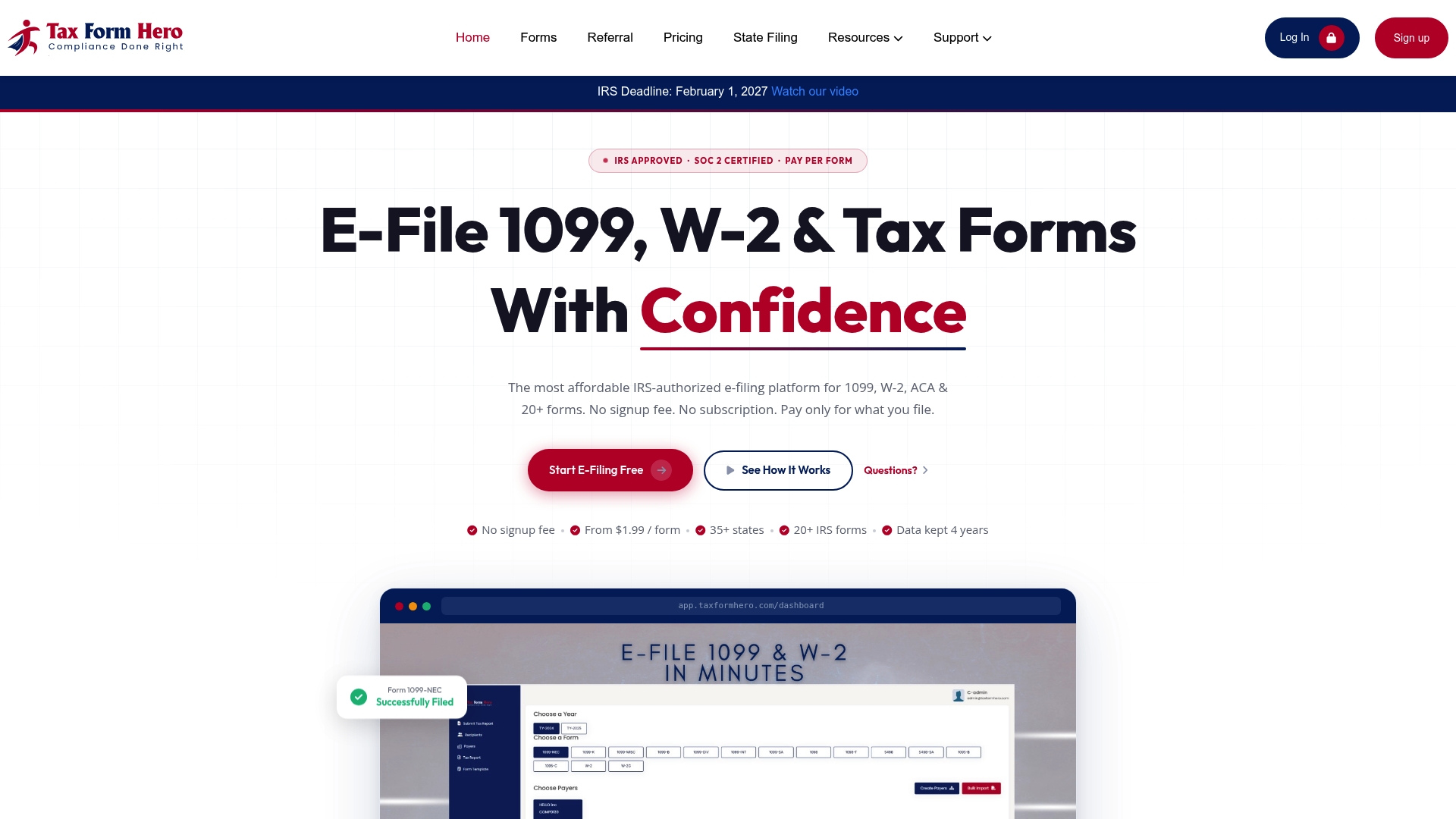
TaxFormHero is an IRS-authorized information-return e-filing platform for businesses, accountants, bookkeepers and CPA firms. It supports 1099-NEC, 1099-MISC, 1099-K, W-2 and more than 20 IRS information-return forms. The platform holds a SOC 2 Type I attestation, and recipient data is protected with 256-bit encryption.

The two overlap on the core job: get a correct information return to the IRS and a copy to the recipient. They differ most in pricing mechanics and in the extras around that job.
Side-by-side comparison
| Criteria | TaxFormHero | 1099Online |
|---|---|---|
| Pricing model | Pay per form. No subscription, signup fee or annual contract | Per-form pricing. See its pricing page for current rates |
| 1099 rates | $1.99 (forms 1-150), $0.99 (151-500), $0.60 (501-1,000), $0.45 (1,001+) | Confirm on 1099Online’s pricing page |
| W-2, W-2c, 1095-B, 1095-C | From $2.99 per form for the first 50, lower at higher volumes | Confirm supported forms on its site |
| Bulk import | Excel template import of thousands of records, plus manual entry | Bulk data import |
| TIN matching | $0.49 per verification | TIN check offered |
| State filing | $0.99 per form, 41+ states and D.C.; Combined Federal/State states carry no extra state-filing charge | Confirm state coverage and fees on its site |
| Recipient delivery | Encrypted email at $0.19 per form; USPS First-Class Mail at $1.69 per form; free downloadable PDF copies | Mail service offered |
| Accounting integrations | Xero and Zoho Books | Confirm on its site |
| Multiple payer accounts | Yes | Confirm on its site |
Where the 1099Online column says to confirm, that is deliberate: its rates and feature list can change, and the official page is the only reliable reference for the current season.
Pricing: how graduated tiers work
Most buyers compare a single headline number. That hides how the total behaves as your list grows. TaxFormHero uses graduated pricing, like income tax brackets: a tier’s rate applies only to the forms that fall inside it. Filing the 151st form does not reprice the first 150.
Here are three worked examples for 1099 forms, federal filing only:
| Forms filed | Calculation | Total |
|---|---|---|
| 25 | 25 x $1.99 | $49.75 |
| 200 | 150 x $1.99 + 50 x $0.99 | $348.00 |
| 600 | 150 x $1.99 + 350 x $0.99 + 100 x $0.60 | $705.00 |
| 1,200 | 150 x $1.99 + 350 x $0.99 + 500 x $0.60 + 200 x $0.45 | $1,035.00 |
The average cost per form falls as you grow. At 1,200 forms it is $0.8625 per form, even though the first 150 cost $1.99 each.
For a very small filer, the first tier is the whole bill. A business with five contractors pays $9.95 for the returns, with nothing owed in months when it files nothing. That matters because Relay’s small-business guide notes that pay-per-form services lose value as filing volume falls, while year-round contractor tracking and payment tools stay useful. The Relay guide to 1099 software draws that line between filing tools and contractor-management tools. If you only need to file once a year, a per-form service with no recurring fee fits that pattern.
For more cost scenarios, see our 1099 e-file cost estimator guide.

Add-ons change the real total
A low per-form rate can double once you add the services most filers need. Price each of these in any quote you collect:
- State filing: $0.99 per form at TaxFormHero. States in the Combined Federal/State program are included without an additional state-filing charge.
- TIN matching: $0.49 per verification.
- Encrypted e-delivery: $0.19 per form.
- Print and mail: $1.69 per form, sent by USPS First-Class Mail.
Example: 200 forms with federal filing, TIN matching and encrypted e-delivery costs $348.00 + $98.00 + $38.00 = $484.00. Add state filing for all 200 forms in a state outside the combined program and it rises by $198.00, to $682.00. Swapping e-delivery for print and mail on all 200 adds $338.00 in place of $38.00.
The lesson applies to 1099Online or any other provider. Ask for the all-in number at your volume, with your state mix and your delivery method.
Workflow: from data to filed return
With either service, the steps are similar: add the payer, add recipients, check data, review and transmit. The details that save time are these.
- Collect W-9 data first. TaxFormHero lets you collect completed W-9 forms and organize recipient information, so names, TINs and addresses are ready before filing.
- Verify TINs before you file. A TIN mismatch is the most common avoidable error. Run the check at $0.49 per verification, or use the TIN matching and verification page for details.
- Import in bulk. Use the Excel template to import thousands of records, or enter recipients manually. Xero and Zoho Books users can connect their accounting accounts and import relevant data.
- Choose delivery. Send recipient copies by encrypted email or USPS First-Class Mail. Recipients can also download a PDF copy at no charge.
- Review and transmit. Supported 1099 returns go to the IRS through IRIS A2A. W-2 and W-2c forms go to the Social Security Administration, and ACA returns use the IRS AIR system.
Accounting firms add one more requirement: several payer accounts under one login. TaxFormHero supports managing multiple payer accounts, which suits bookkeepers filing for many clients. For accountant-specific evaluation, see our guide to 1099 software for accountants.
Forms supported
The forms you need decide whether one platform covers everything. TaxFormHero covers 1099-NEC, 1099-MISC, 1099-K and W-2, along with W-2c, 1095-B, 1095-C and other forms, for 20+ IRS information returns in total. That matters for employers who file 1099s for contractors and W-2s for staff in the same season.
Investors and fund managers sometimes need to understand how a K-1 differs from a 1099 before choosing the right return. This overview of K-1 versus 1099 differences explains the distinction from the investor’s side.
How to choose between 1099 services
Use this checklist, which also reflects what Relay’s guide says to weigh: filing volume, accounting integrations, year-round contractor-management needs and the total cost of services such as state filing, TIN matching and recipient mailing.
- Volume: Count every form across 1099-NEC, 1099-MISC and W-2 for the season. Graduated tiers reward larger lists.
- Add-on mix: Price state filing, TIN checks and delivery for your actual recipients.
- Data entry: If you have more than a few dozen recipients, bulk import is a requirement.
- Integrations: Confirm that your accounting software connects, or that exports match the import template.
- Security: Look for a stated security attestation and encryption of stored recipient data.
- Support: Check support hours during the weeks before filing deadlines.
- Commitment: Prefer no subscription or annual contract if you file once a year.
Other names appear on shortlists too. Relay’s guide lists Tax1099 at $2.99 per form for 1 to 20 forms, $2.30 for 21 to 150 and $0.68 for 501 or more, and Track1099, now part of Avalara, from $3.10 per form with an API for automated data transfer. Those figures come from a third-party guide and can change, so verify them with each provider before budgeting. We compare more providers in our posts on Tax1099 vs TaxBandits, EfileMyForms and Efile4biz. A broader look at how to compare providers is in our e-filing services comparison.
Reviews and support: what to look for
Readers often search for reviews of both services. Read recent reviews on independent sites and in accountant communities, and focus on three things: whether the TIN check caught real errors, how fast support answered close to deadlines, and whether recipient copies went out on time. Reviews from a different season may describe a different price list or interface.
When you contact any provider’s support before buying, ask practical questions: Which states can you file through directly? What happens if the IRS rejects a return? Can you correct a filed return from the same account? The answers show how the service handles real filing days.
Perspective
We built TaxFormHero around one idea: filers should pay for the forms they file and nothing else. No subscription, no signup fee, no annual contract.
Graduated pricing is part of that. A 150-form filer and a 1,500-form filer both start at the same $1.99 rate, and each tier applies only to the forms inside it. The bill is easy to predict from your recipient count.
We also think add-ons should be itemized. State filing, TIN matching, e-delivery and printing each have their own per-form price, so you choose what your recipients need and see the total before you submit.
For firms that file for many clients, we offer multiple payer accounts, Excel bulk import and Xero and Zoho Books connections, so the same workflow works at 20 forms or 2,000.
Nazrul
Ready to run your numbers
TaxFormHero is built for filers who want a clear per-form price, graduated discounts and optional add-ons. Start with the pricing page to see every add-on rate, then compare your all-in total with any other quote.
Small businesses can see the small business 1099 workflow. Larger filers can review enterprise information return filing. For a direct head-to-head on cost, read our TaxFormHero vs 1099Online savings breakdown.
FAQ
Which is better for a small business, 1099Online or TaxFormHero?
If you file a small number of forms once a year, a pay-per-form service with no subscription or signup fee keeps costs predictable. TaxFormHero’s first 150 1099 forms are $1.99 each, and add-ons are optional. Compare it with 1099Online’s current all-in quote for your own volume.
Does TaxFormHero charge a subscription?
No. TaxFormHero has no subscription, signup fee or annual contract. You pay per form, plus any optional add-ons you select, such as state filing, TIN matching, e-delivery or print and mail.
Can I import many recipients at once?
Yes. TaxFormHero supports importing thousands of records from Excel templates. You can also enter recipients manually, or connect Xero or Zoho Books to import relevant data.
How does TaxFormHero send recipient copies?
You can send copies by encrypted email for $0.19 per form or by USPS First-Class Mail for $1.69 per form. Recipients can also download a PDF copy for free.
Sources
- Best 1099 software for small businesses: 2026 guide (Relay)
- K-1 vs 1099: Key Tax Differences Every Investor Should Know
Recommended
- EfileMyForms vs TaxFormHero: 1099 and W-2 E-Filing Compared
- Efile4biz vs TaxFormHero: 1099 and W-2 E-Filing Compared
- Save on 1099 Filing for U.S. Small Firms: TaxFormHero Over 1099Online
- Best Pay-Per-Form 1099 Filing Platforms for 2026
Disclaimer:
“This content is for informational purposes only and does not constitute legal, tax, or financial advice. For advice specific to your situation, consult a qualified US attorney or CPA.”

File Information Returns With Confidence
TaxFormHero supports 20+ IRS information returns, including 1099 and W-2 forms, with bulk Excel import, name/TIN matching and encrypted recipient delivery.
Explore TaxFormHero